Loading…
Fetching your data…
SelfRunBusiness
Securing your session…
Fetching your data…
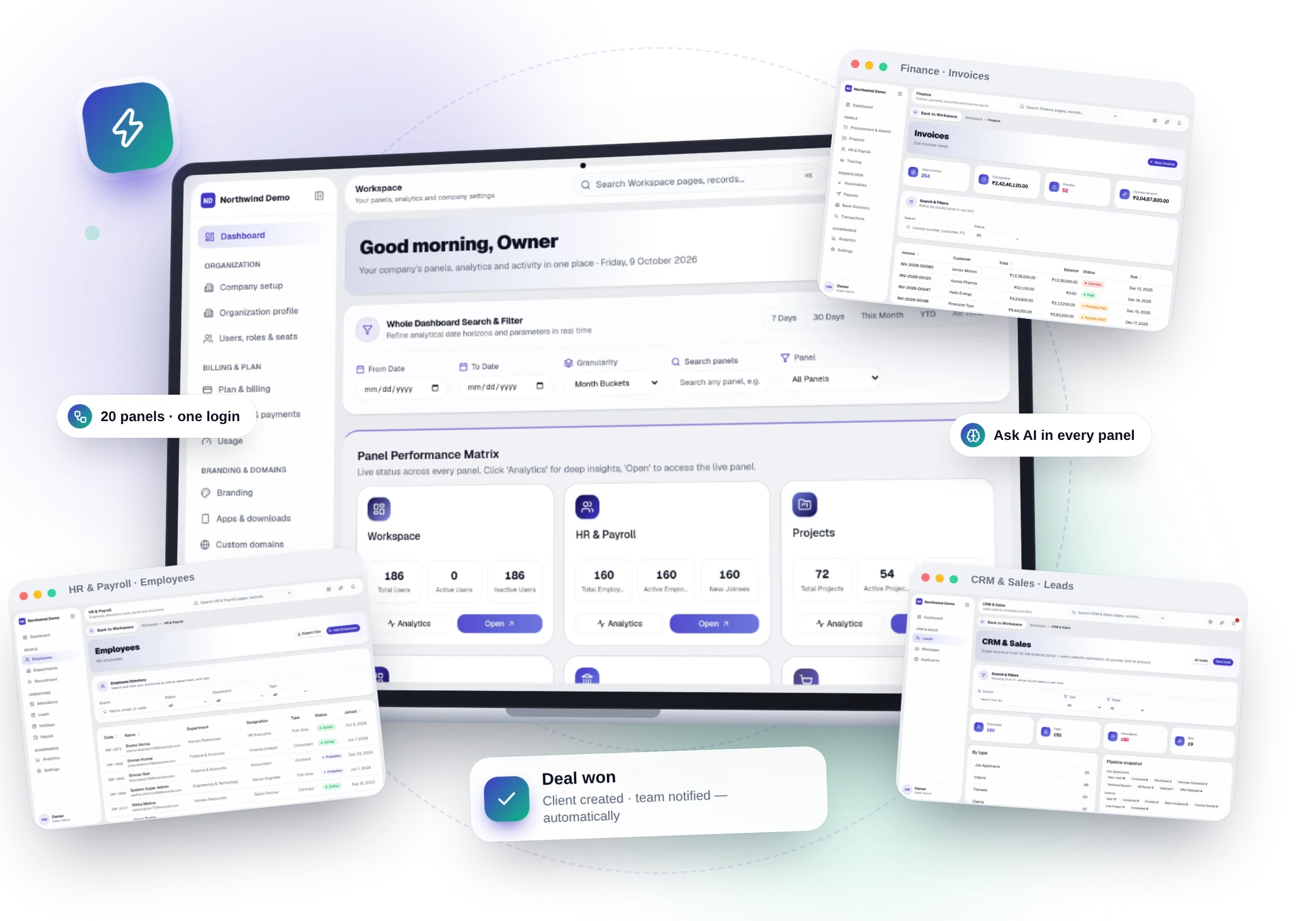
0
software for sales, HR, finance and more
AI
built in, to answer questions and write drafts
0
devices and systems it works on
₹0
to start, free forever
SelfRun family products
One product for every job in your business. Click any card to see what it does.
Overview
New here? These six answers cover what SelfRun AI is, what it does for you and what you need to know before you start. No technical knowledge is needed to read them, or to use the product.
SelfRun AI is a website you open in your browser. It handles the daily office work of a business: customer lists, staff records, invoices, projects, purchases, training, documents and your public website. Everything is in one place instead of in many different apps.
It keeps your information in one place, reminds people when something needs doing, asks the right person for approval and shows you live reports. The AI inside can answer questions about your business and help you write.
Any business with a team and paperwork to manage: IT and software businesses, training institutes, agencies and consultancies, traders and distributors, professional firms and growing small and medium businesses.
No. A short guided setup asks for your business details, creates your departments and helps you invite your team. You can bring in your existing lists from a spreadsheet (CSV file), and a help center and an AI help assistant explain each screen.
Starting is free, and the free plan includes the whole software with every feature. You pay only when your team grows. Paid plans differ by team size and usage limits, not by features, and no card is needed to start.
Yes. Your logo, name, colours, web address, emails and apps carry your business's identity, so your team and customers see your business and not SelfRun.
What is inside
Most businesses use a separate app for every job: one for customers, one for salaries, one for invoices, one for projects and so on. SelfRun AI is a single software with a product for each of these jobs, so your team works in one place and does not type the same information again and again.
The crossed-out names are the separate apps a business usually pays for. Next to each one is the product of SelfRun AI that does the same job.
Why choose SelfRun AI
Running a business should not mean buying, learning and connecting a dozen different apps. Here is what SelfRun AI gives you instead, and what each of its products is for.
One software, every job
1
One software for every job in your business, from customers and staff to money and projects. Use the products you need. They work together, so you save time and nobody does the same work twice.
Ask questions in plain English and get answers from your own records. The AI only shows what that person is allowed to see.
Your logo, your web address, your apps and your notifications. Your team and customers see your business, not SelfRun.
Open it in a browser, install it like an app, or get your own apps for Android, iPhone, Windows, Mac and Linux. It is the same data everywhere.
Every feature is free to start. You pay only as your team grows.
Each product does one job well. Open any card to see exactly what it does.
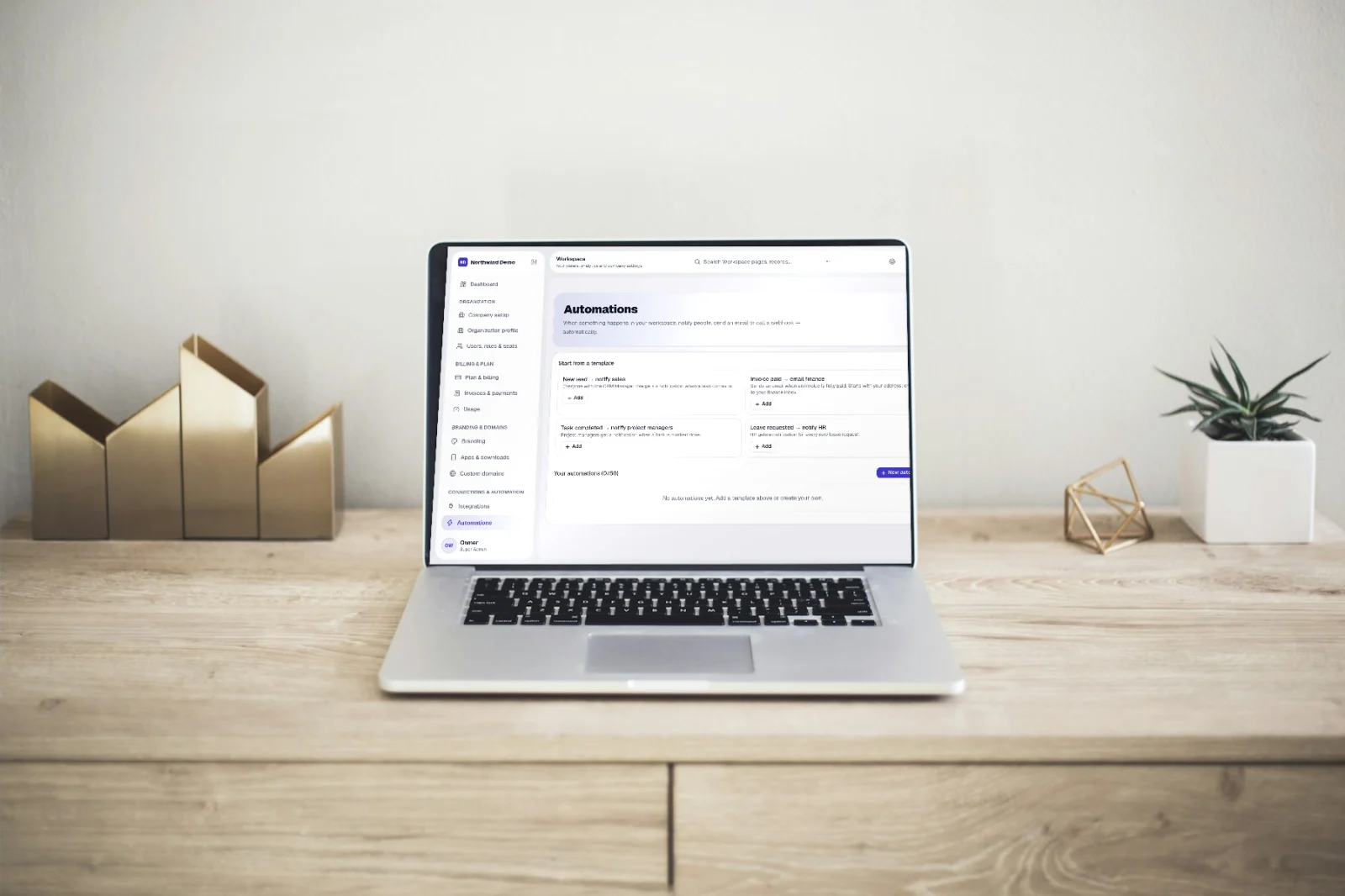
When a sale is won, the customer record can be created for you. When a project step is done, the invoice can be raised. When an invoice is paid, your accounts can be updated. You choose which of these steps happen automatically, and every run is recorded.
The benefits
Most of the working day goes into chasing people, copying data from one app to another and building reports by hand. SelfRun AI takes care of that, so you can spend your time on your customers and on growing the business.
Ask in plain English
“Which invoices are more than 30 days overdue?”
You get the answer from your own records, and you can see how it was worked out.
Reminders, follow-ups and approvals happen on their own.
Ask a question and get the answer from your own records, with the working shown.
Overdue leads, unpaid invoices, pending leave and late tasks are flagged and chased for you.
Add more people and more of the software without adding more admin work.
Automations and AI assistants keep going nights, weekends and holidays.
The AI only sees what the person asking is allowed to see, and every action is recorded.
Who uses it
Different kinds of businesses use SelfRun AI in different ways. Find the one closest to yours and see which jobs it takes care of.
Run client projects, track the hours your team works, bill clients and hire people, without moving data between apps.
What it helps with
Run courses and batches, keep student records and attendance, collect fees and give out certificates, with a page where students see their own progress.
What it helps with
Keep track of every possible client, deliver the work on time, record hours and see whether each engagement is making money.
What it helps with
Everyday uses
These are real situations a business runs into. Each one shows the problem people usually have, and what changes when everything works together.
Everyday job 01
The problem
Sales, delivery and finance live in different apps. Deals are won but the invoice is raised late, and nobody sees the full picture.
With SelfRun AI
Shorter sales cycles, faster payments and revenue you can trace from the campaign to the cash.
Everyday job 02
The problem
Hiring, onboarding, attendance, leave and payroll are spread across spreadsheets and email, so HR spends its time chasing instead of helping.
With SelfRun AI
A smooth employee experience and an HR team that works on people, not paperwork.
Everyday job 07
The problem
Sales handoffs, project updates and client documents are scattered across inboxes, so delivery teams repeat setup and clients have to ask for status.
With SelfRun AI
A traceable handoff and a shared view of delivery, communication and billing.
A real example
Follow one customer through your business: they enquire, you win the deal, you do the work, you send the invoice and you get paid. Normally that touches five different apps. Here, nobody has to re-type anything.
01 · SelfRun DealFlow AI
Enquiry received
From your website, forms and campaigns.
02 · SelfRun DealFlow AI
Deal won
The customer record is created for you.
03 · SelfRun SprintOS
Project delivered
Tasks, hours worked and milestones are tracked.
04 · SelfRun CashFlow AI
Invoice sent
Created from the milestone, with a payment link.
05 · SelfRun CashFlow AI
Paid and recorded
Your finance team is told and the accounts are updated.
Automation
You set the rules once, for example “when an invoice is late, send a reminder”. After that the system follows up, reminds people, asks for approvals and reports by itself, so nothing waits for someone to remember. Pick an example below and press run to watch it happen.
Information comes in from wherever your work starts.
Each product works on its own. Link only the steps you want connected.
The rules you set take care of the follow-up.
AI turns your records into answers.
A new lead is created
Matches your assignment rule
See the steps fire, one after another.
What you get
These are not extras. Every plan, even the free one, includes all of it from day one. Pick a group below to see what is inside it.
Included in every plan
AI that helps
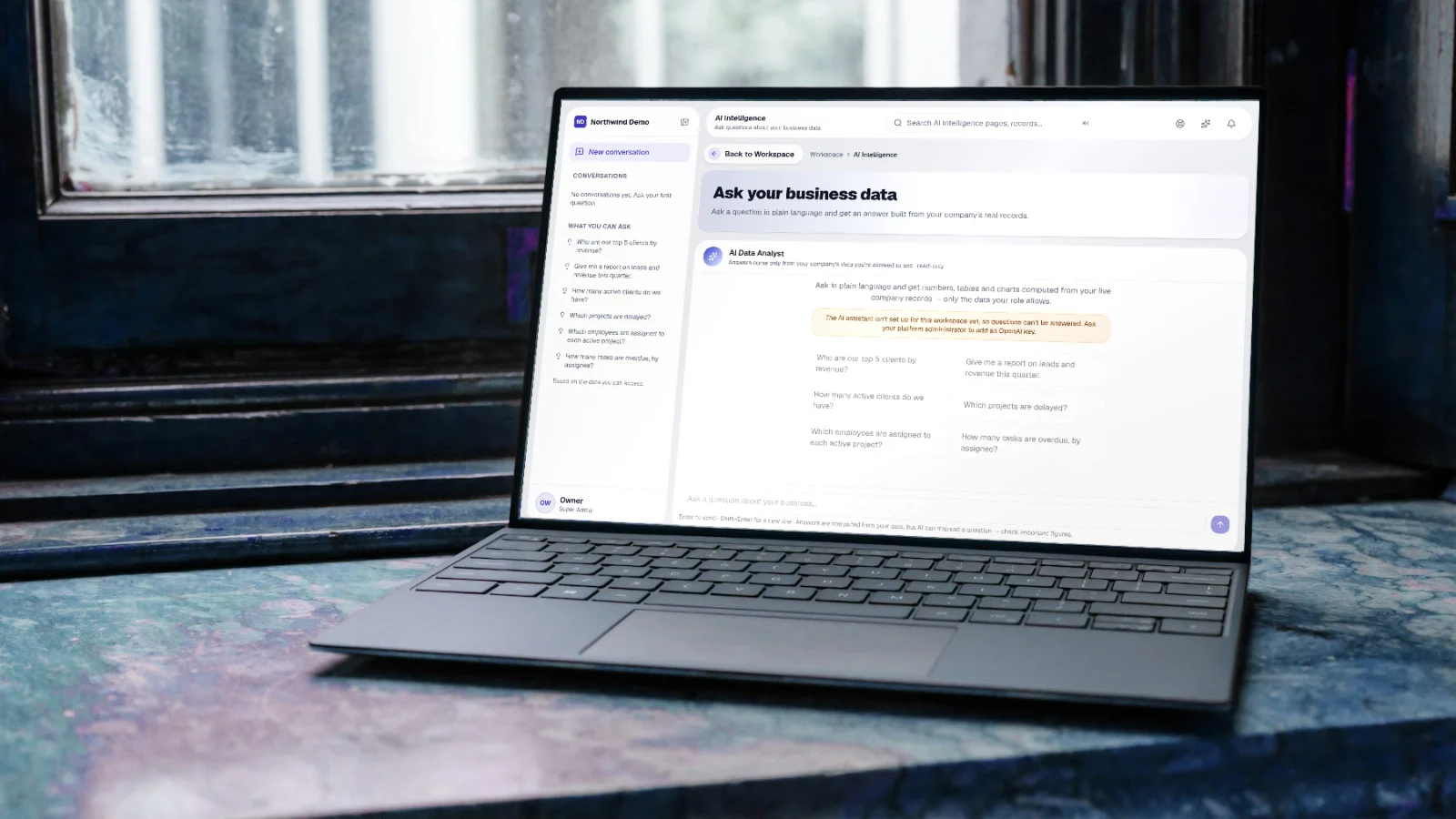
This is not just a chatbot added on the side. The AI reads your own records, helps you write, answers your customers and works inside your automations. It only ever shows a person what they are allowed to see, and it does not change your data without someone approving it.
Type a question like “Which customers owe us money for more than 30 days?” The AI looks through your own records, using only what you are allowed to see, and answers with a table or chart and an explanation of how it got there.
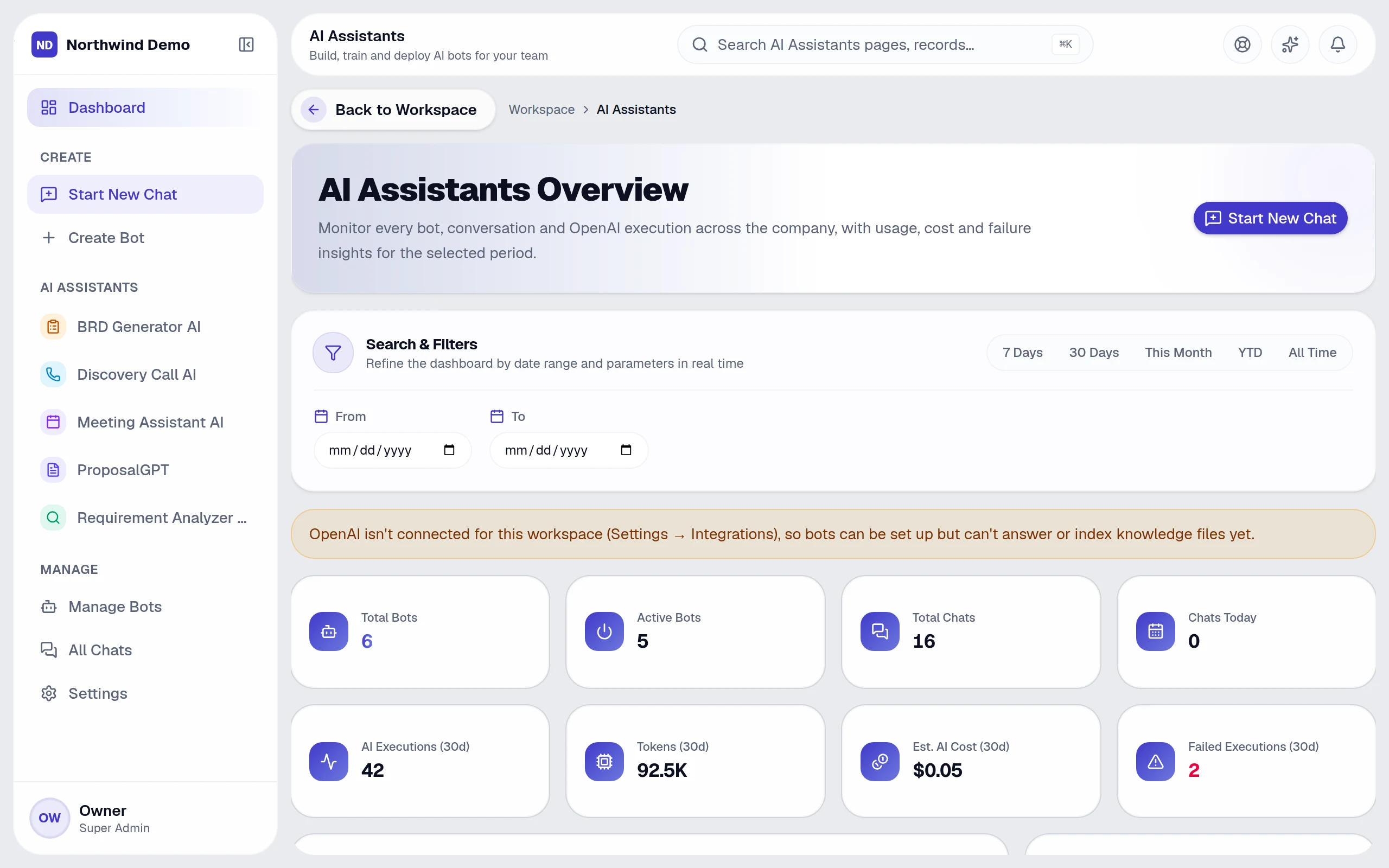
Create assistants with your own instructions and documents, for your staff or your customers. Every conversation is saved, and you can see how much each assistant is used.
Turn one idea into posts for each social network, create images and change the tone with one sentence. Nothing is posted until the approval step you choose.
The help assistant knows which screen you are on, answers “how do I…” questions from the help center and can turn a chat into a support request.
Website checks explain why a problem matters and what to change, and score each page against what people search for.
Add AI steps to automatic workflows: summarise a conversation, draft a reply or sort an enquiry. Keep a person in the loop wherever you want one.
See it
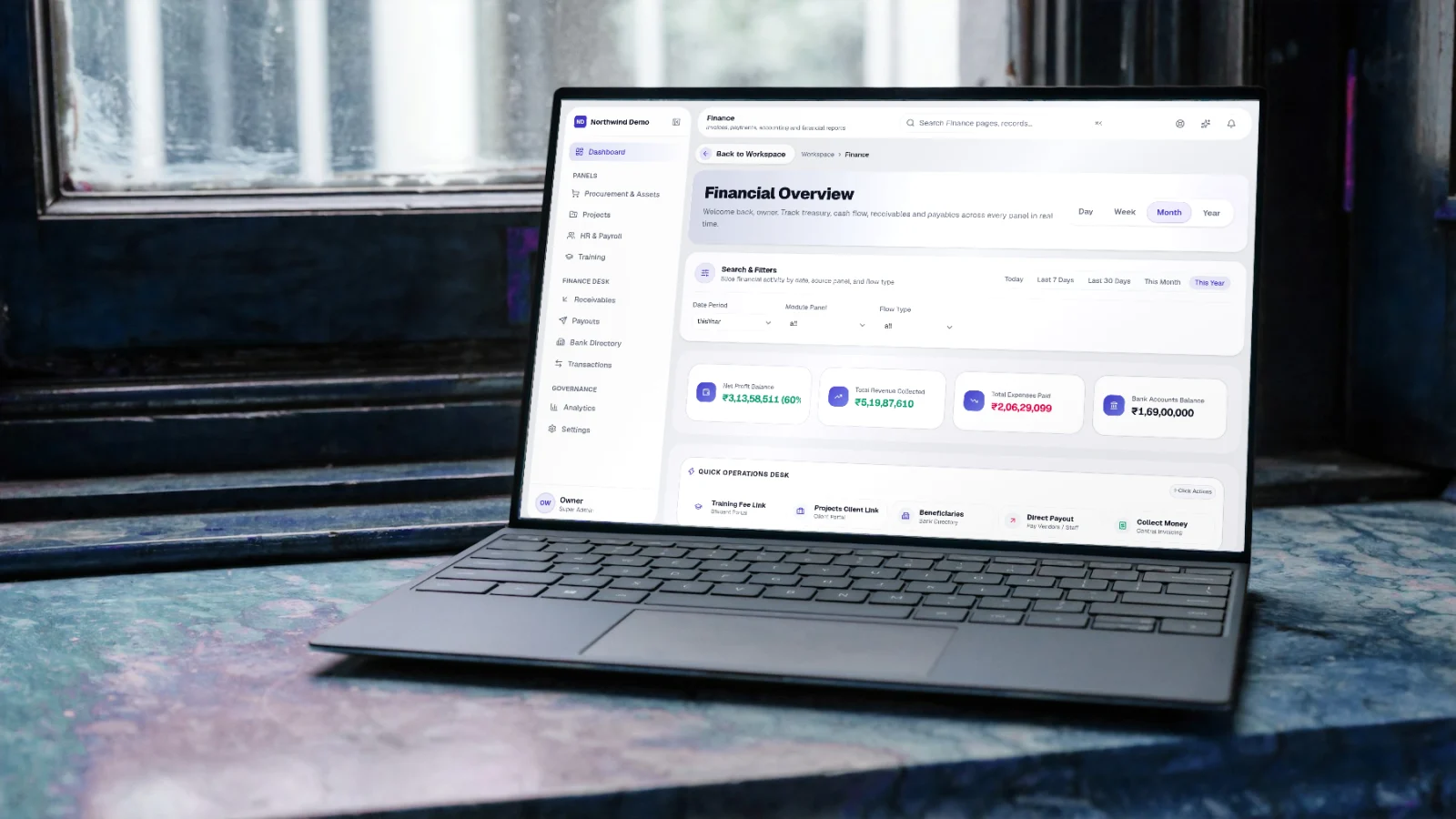
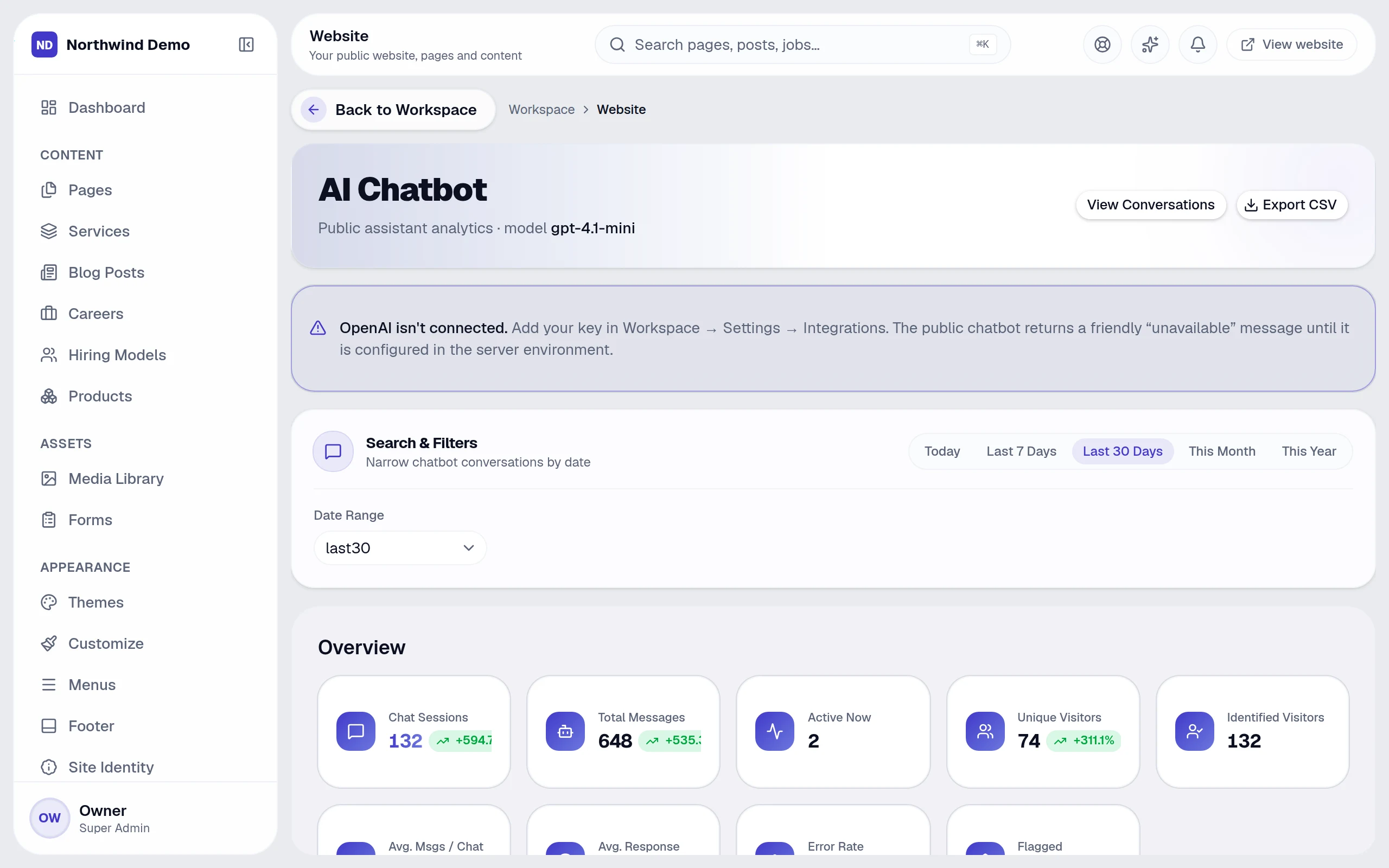
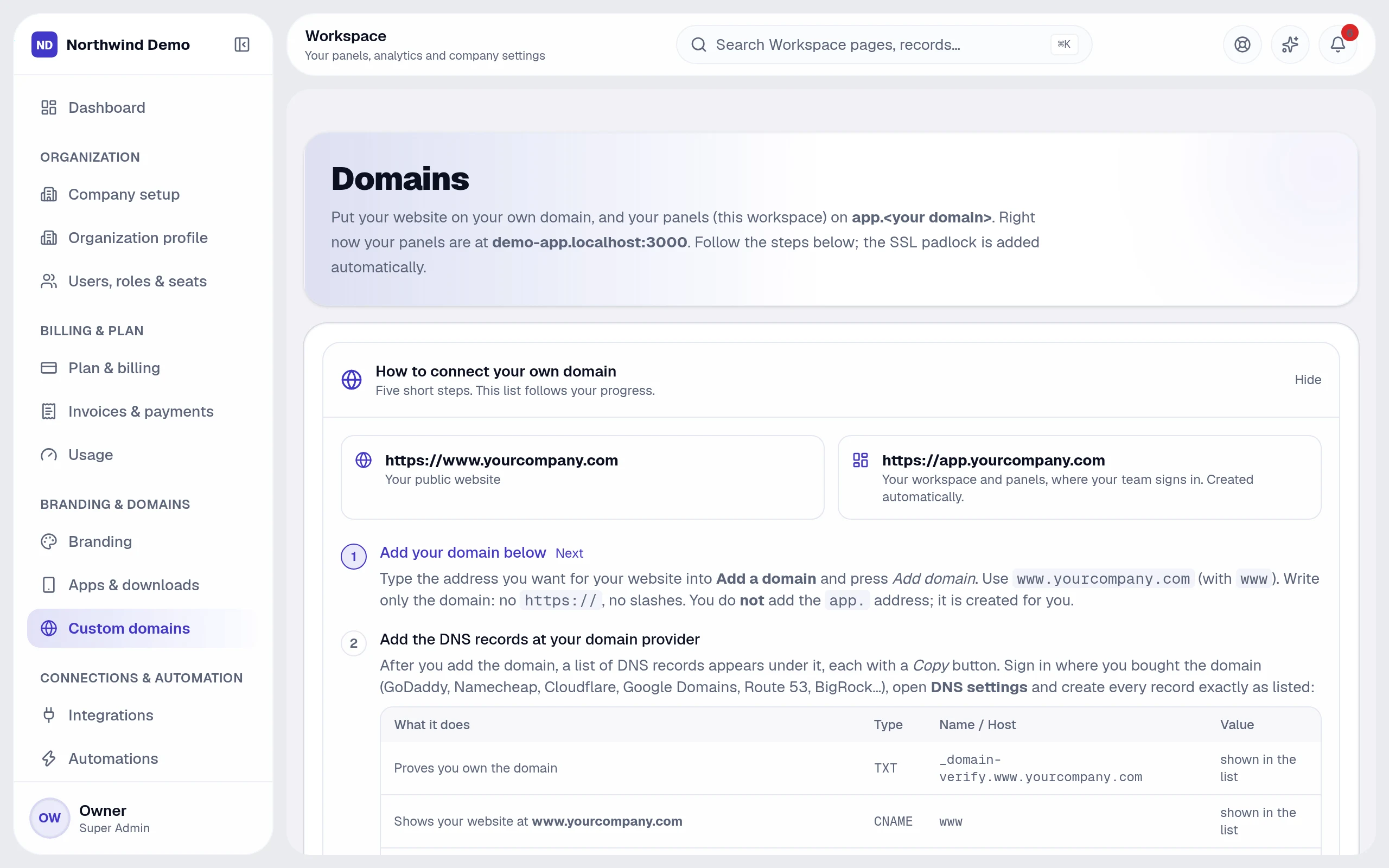
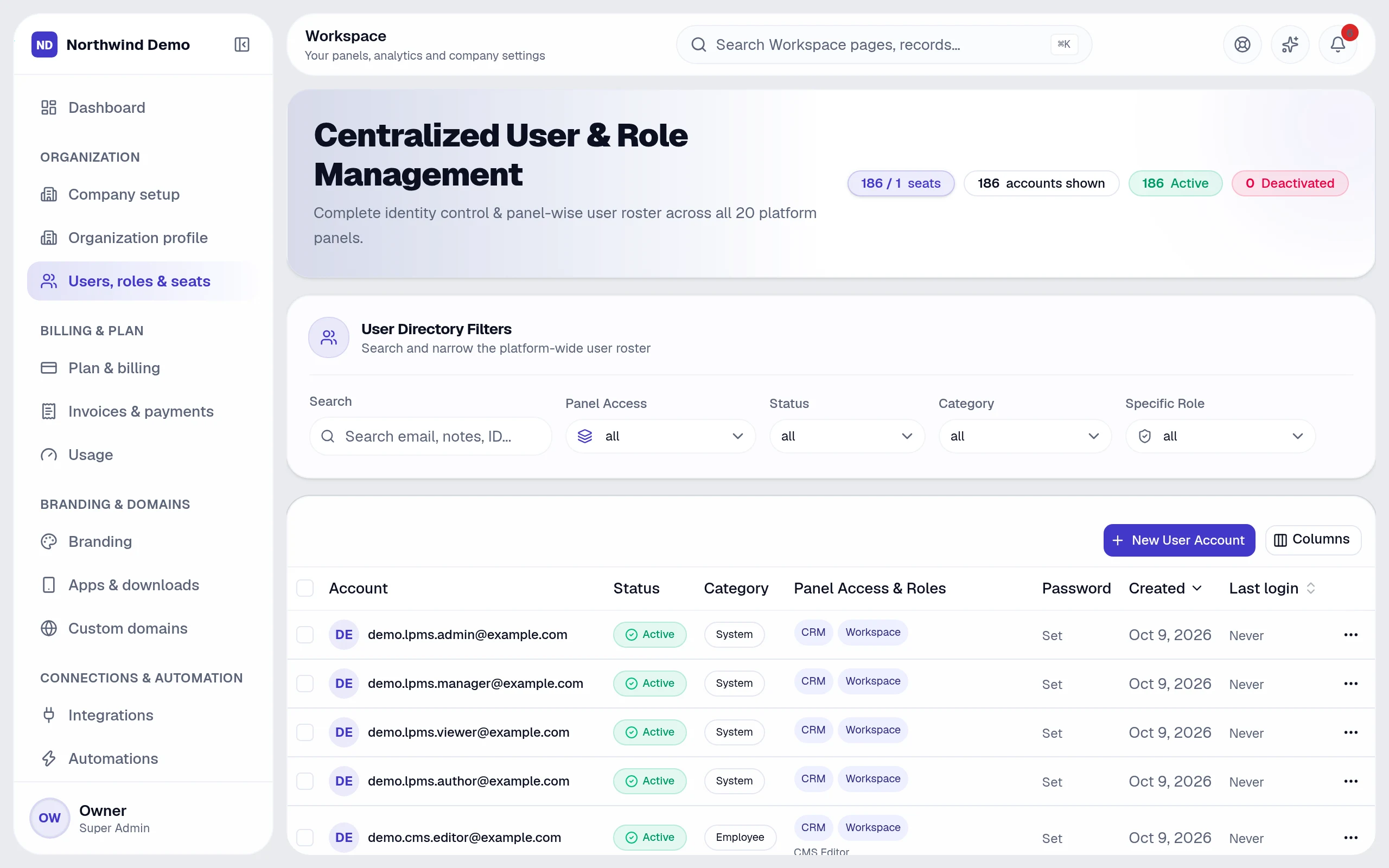
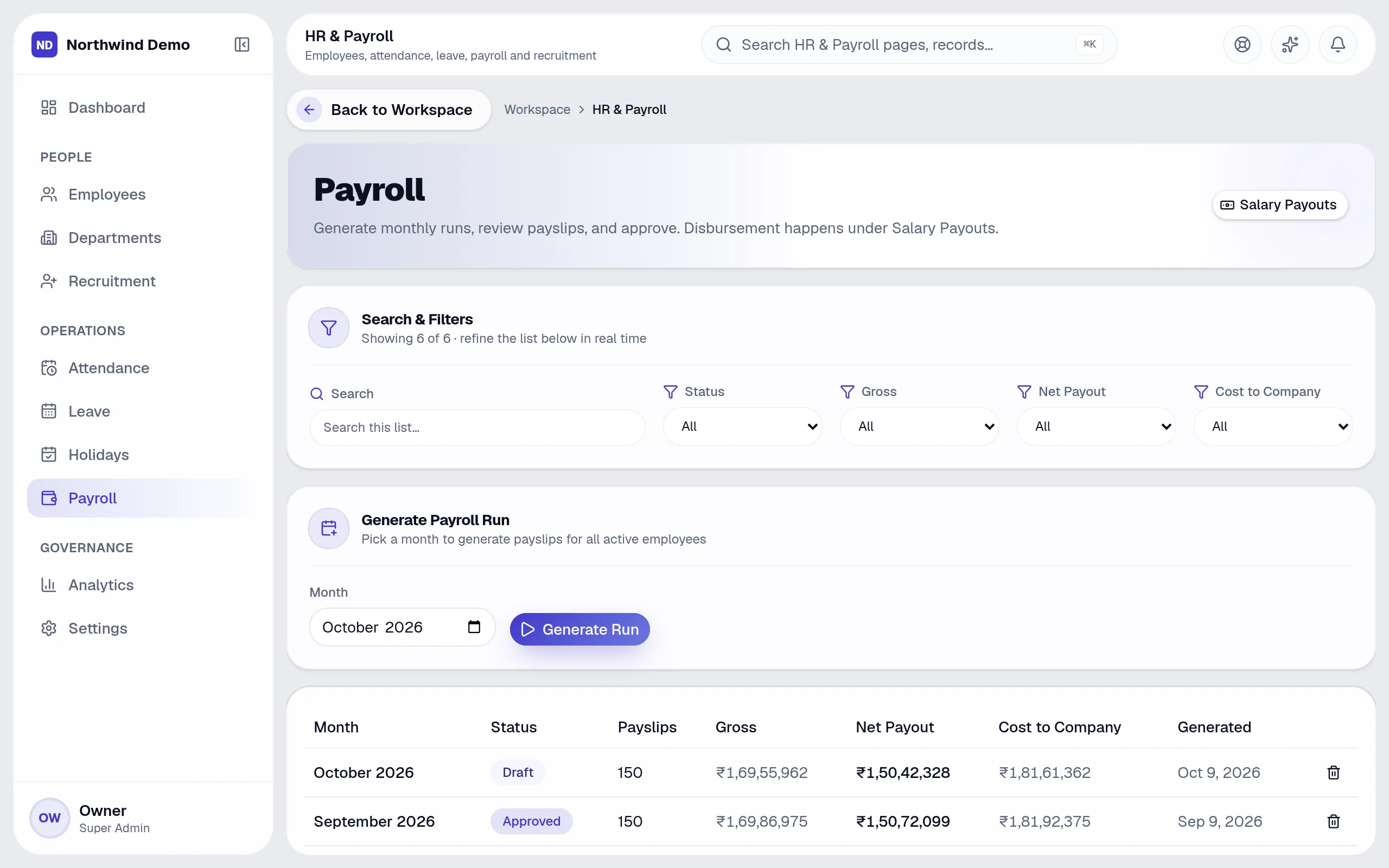
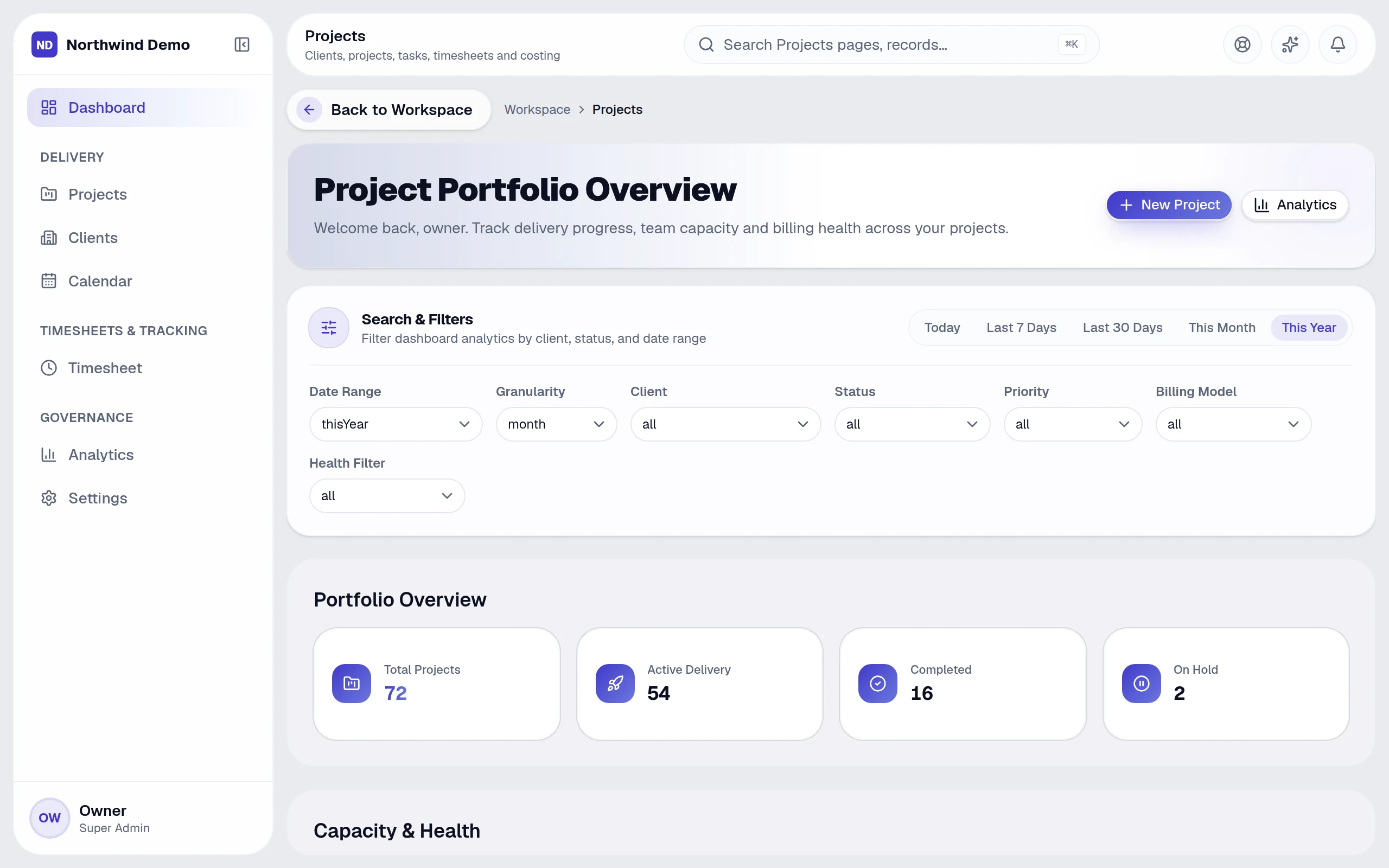
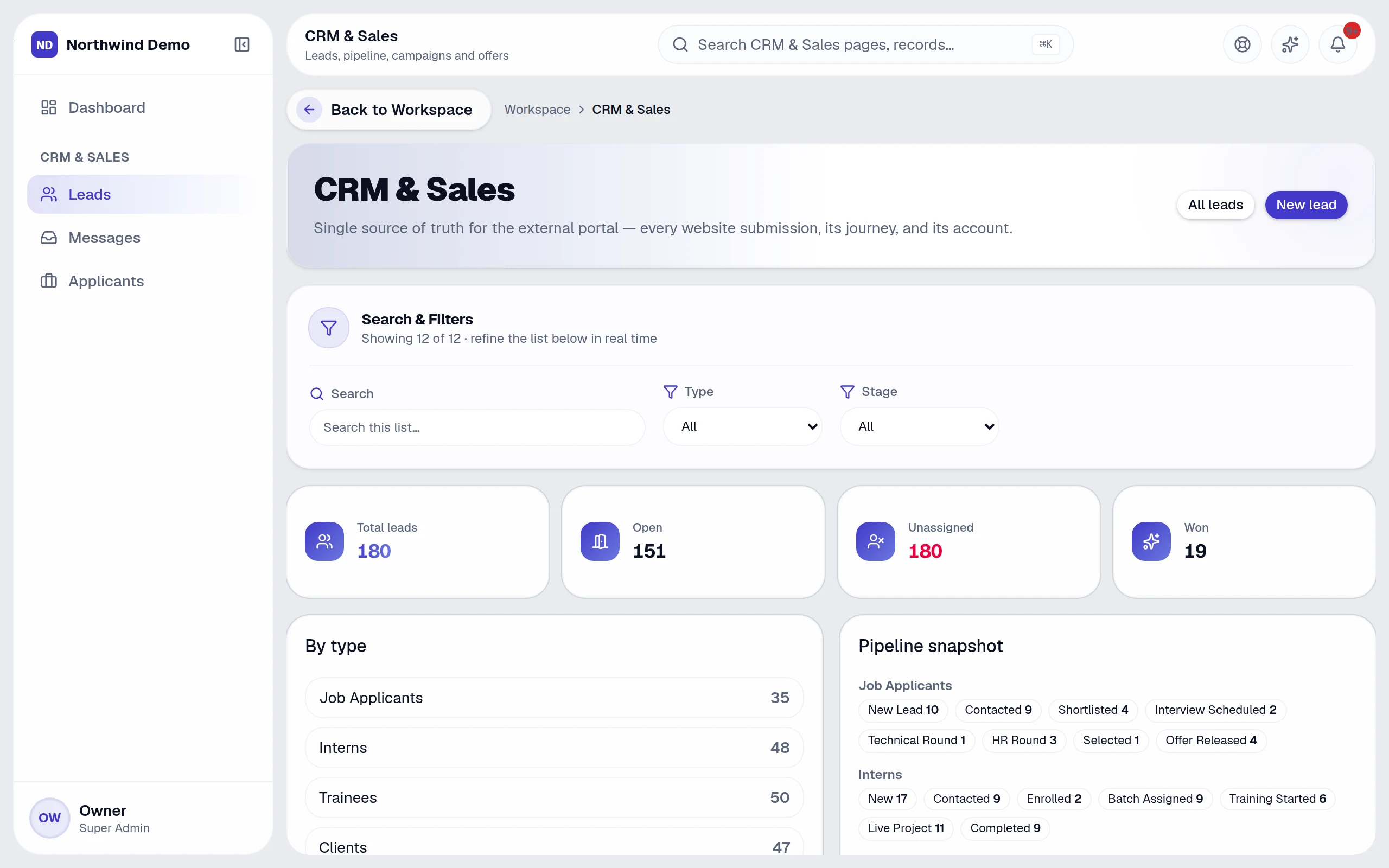
These are screenshots of the real product with sample data in it. Pick a product and look around.
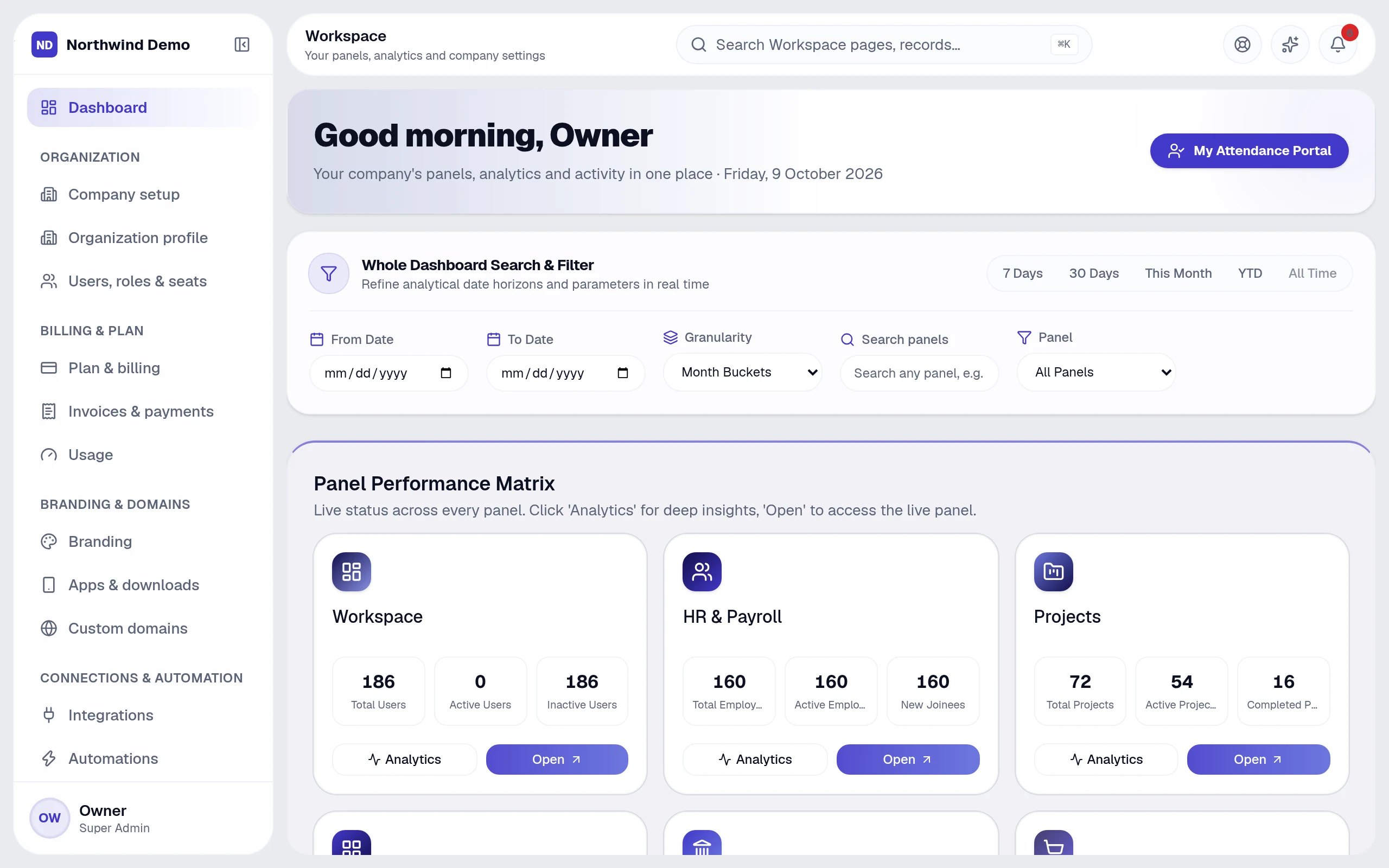
The control center of SelfRun AI. From here you open every product, set up your business, invite your team, decide who can do what, switch on automations and see how the whole business is doing.
Real, full-resolution screens of the live product, captured in a demo workspace with sample data.
A closer look
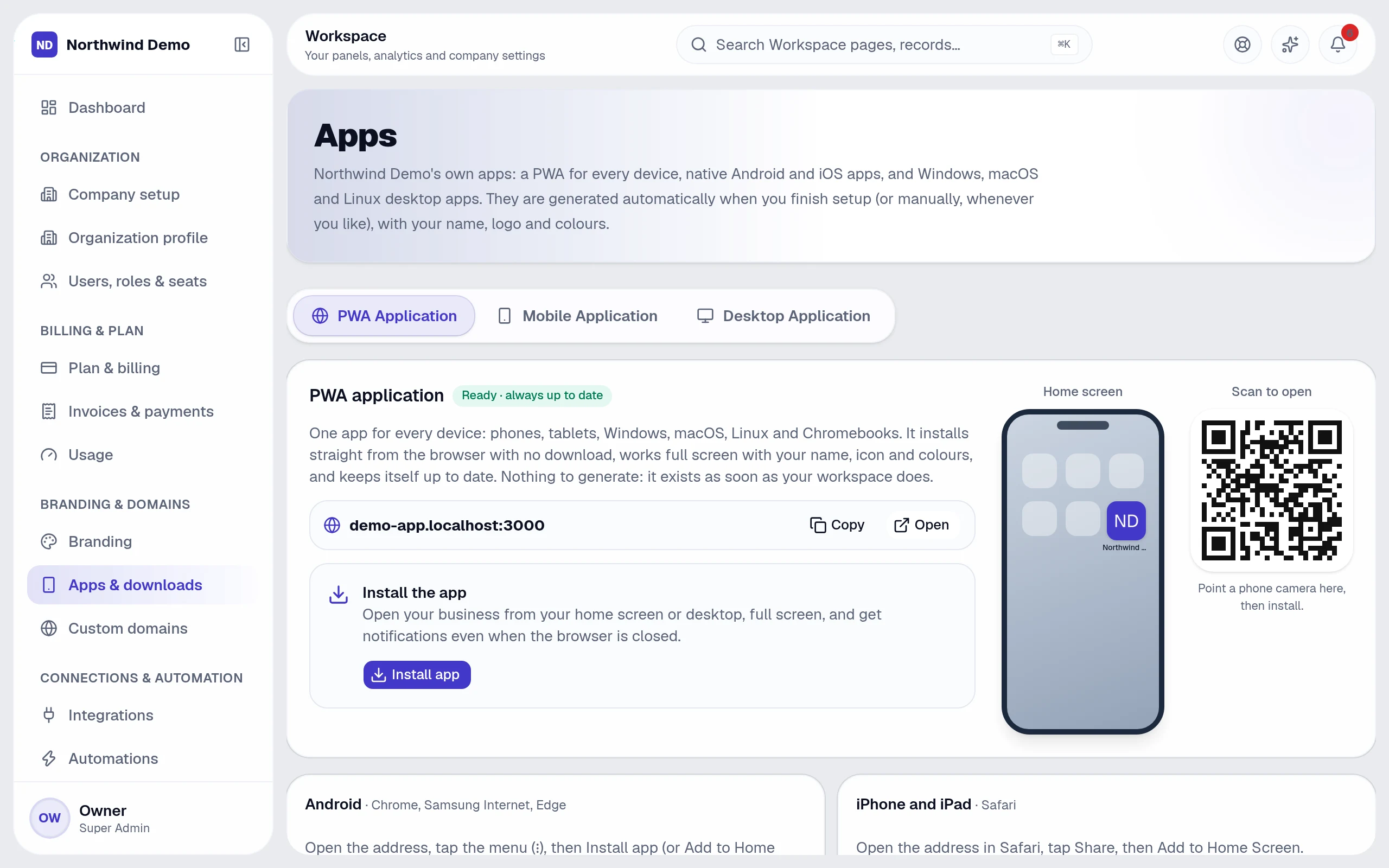
Leads, invoices, people, projects, search rankings and your website, captured from the live product, not drawn.
 SelfRun CommandOS · Custom domains
 SelfRun CommandOS · Users, roles & seats
 SelfRun TalentOS · Payroll
 SelfRun DealFlow AI · SelfRun DealFlow AI — dashboard
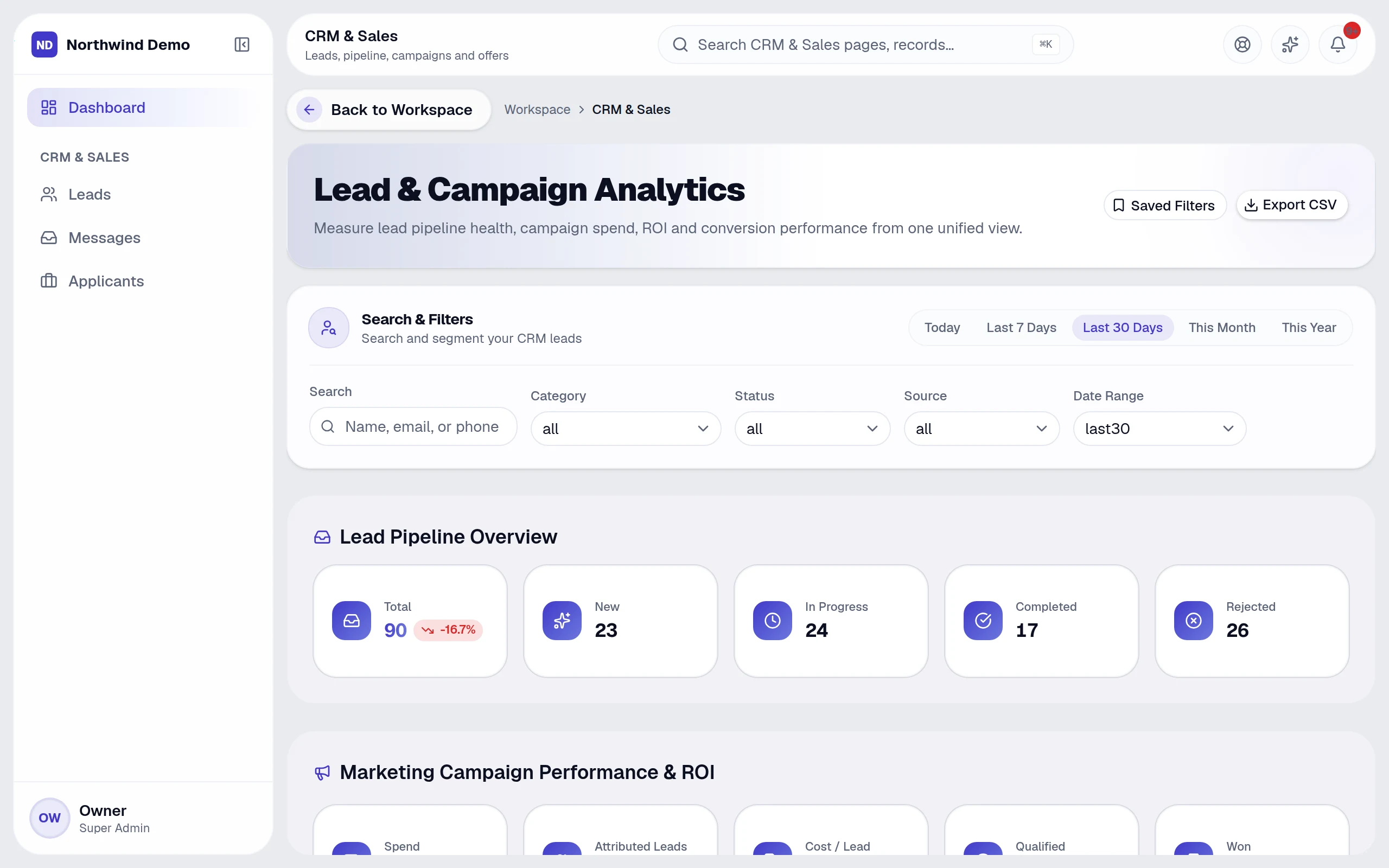 SelfRun CashFlow AI · Invoices
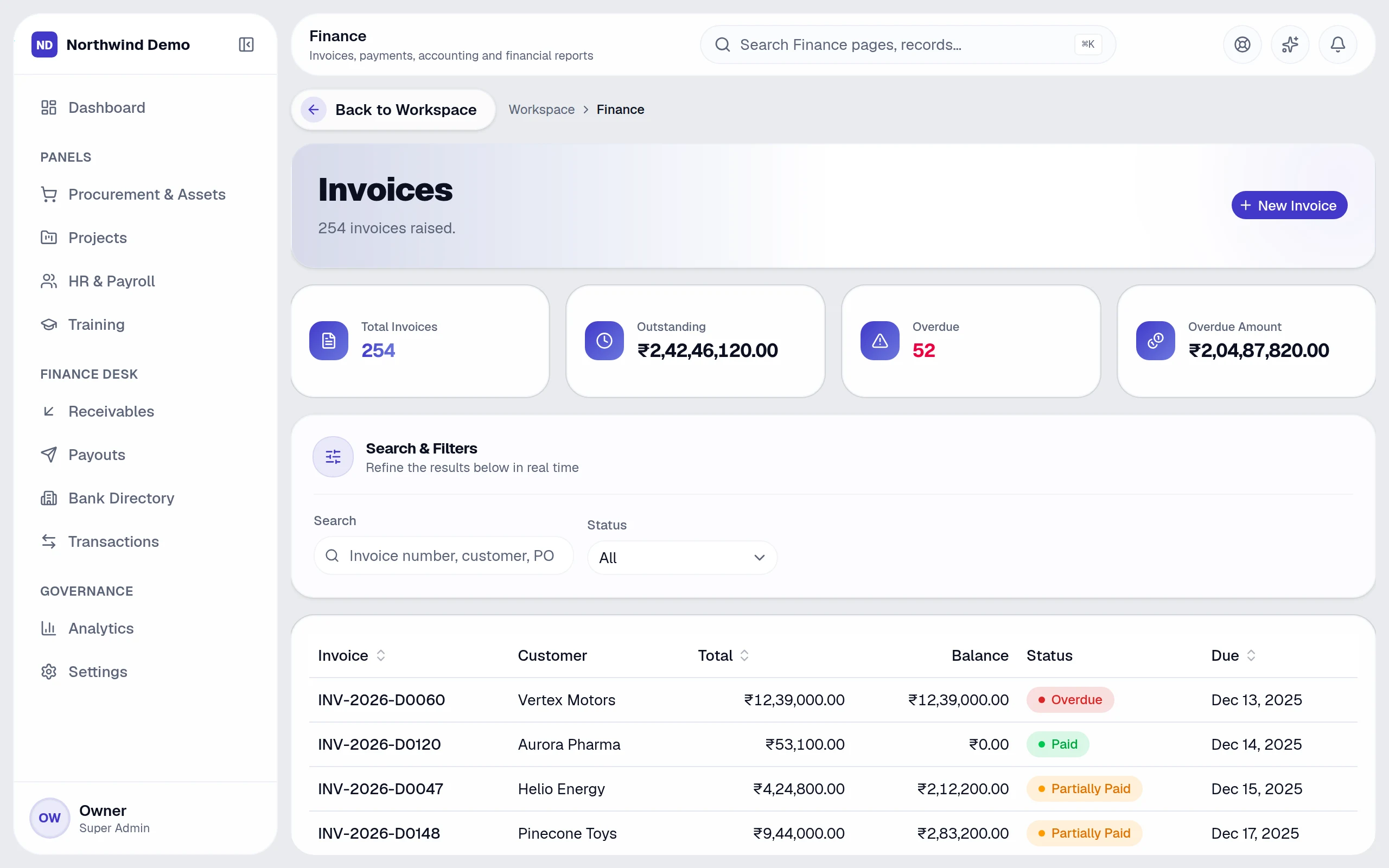 SelfRun SpendIQ · Purchase orders
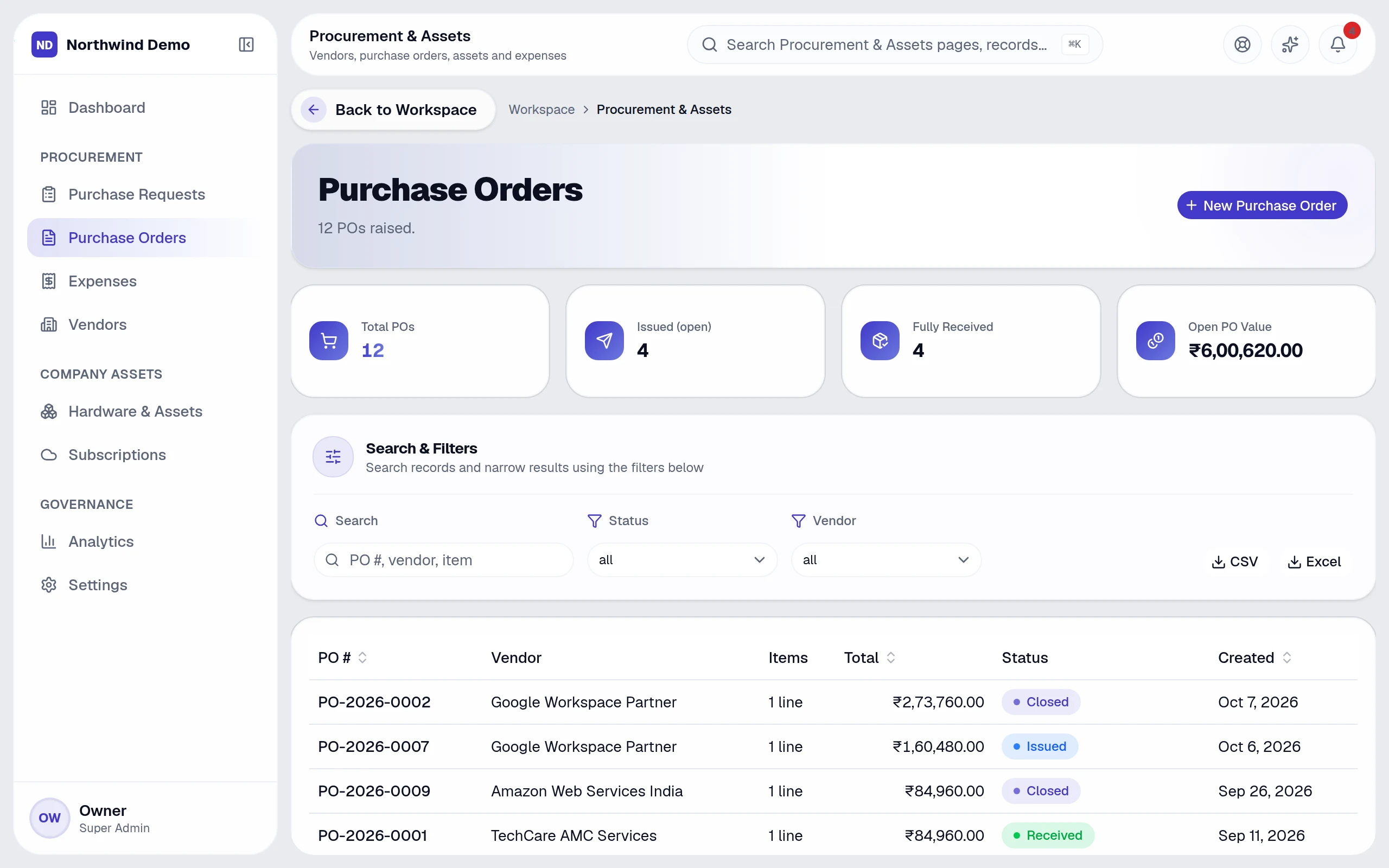 SelfRun Huddle AI · SelfRun Huddle AI — dashboard
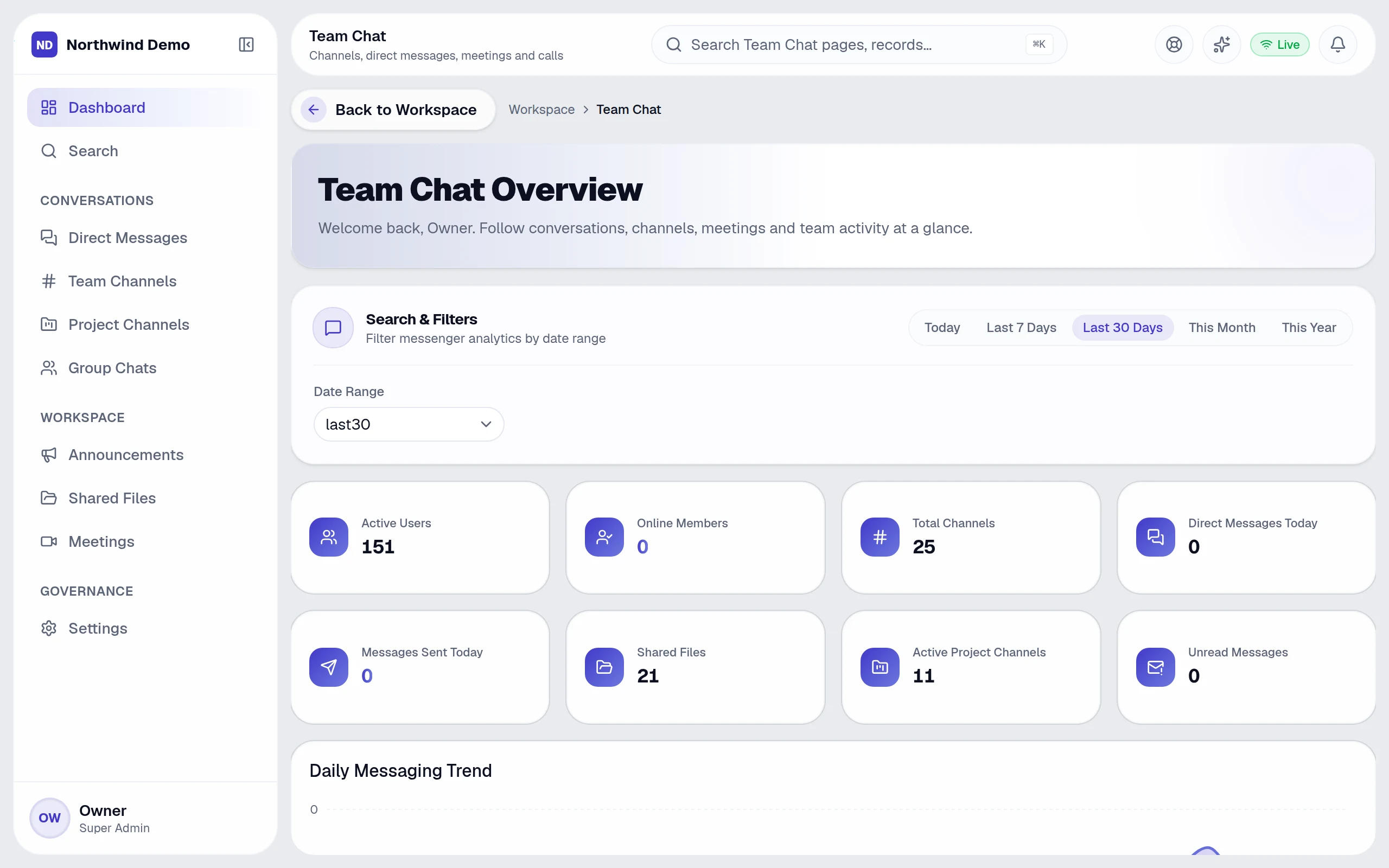
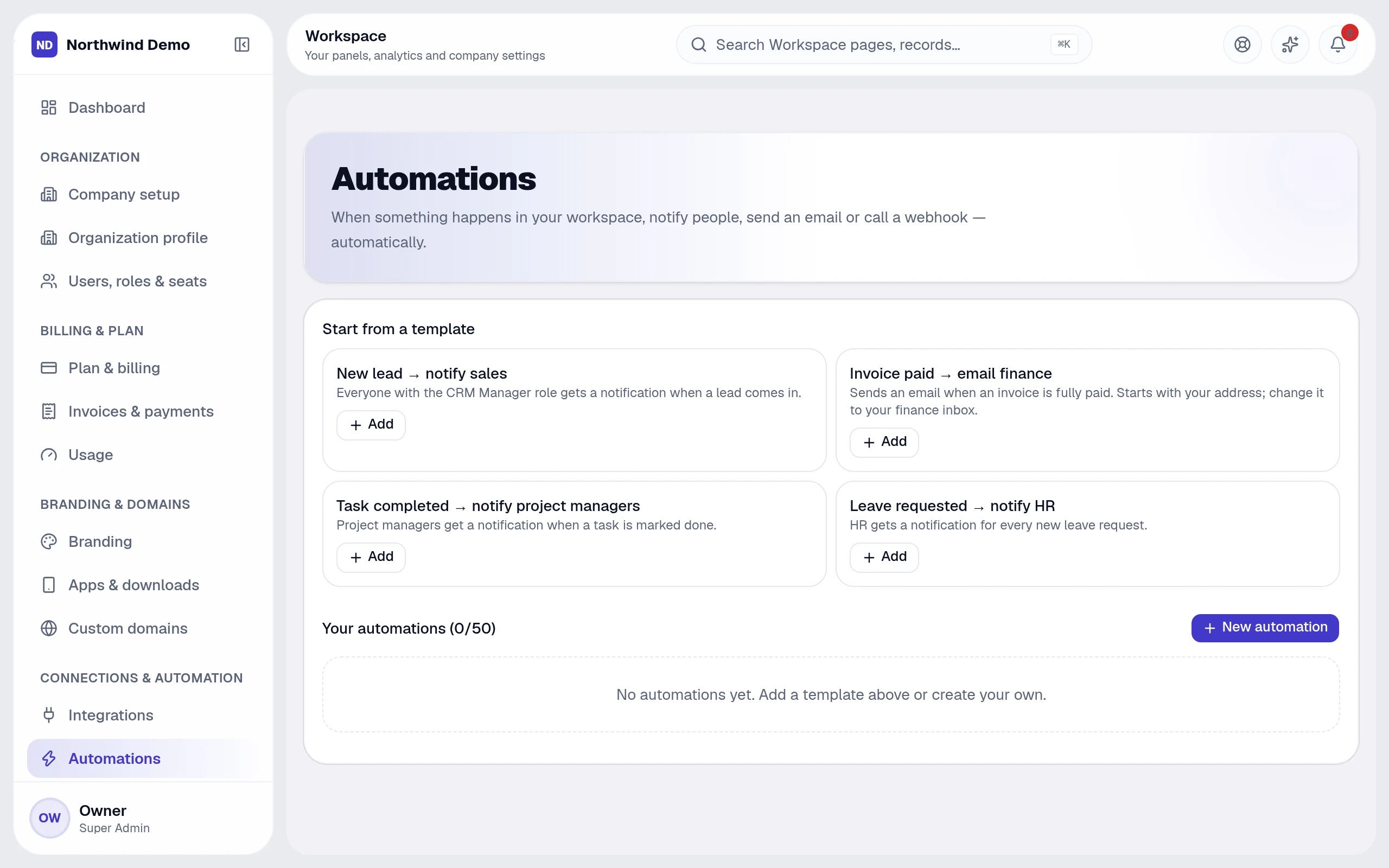 SelfRun CommandOS · SelfRun CommandOS — dashboardSelfRun TalentOS · SelfRun TalentOS — dashboard
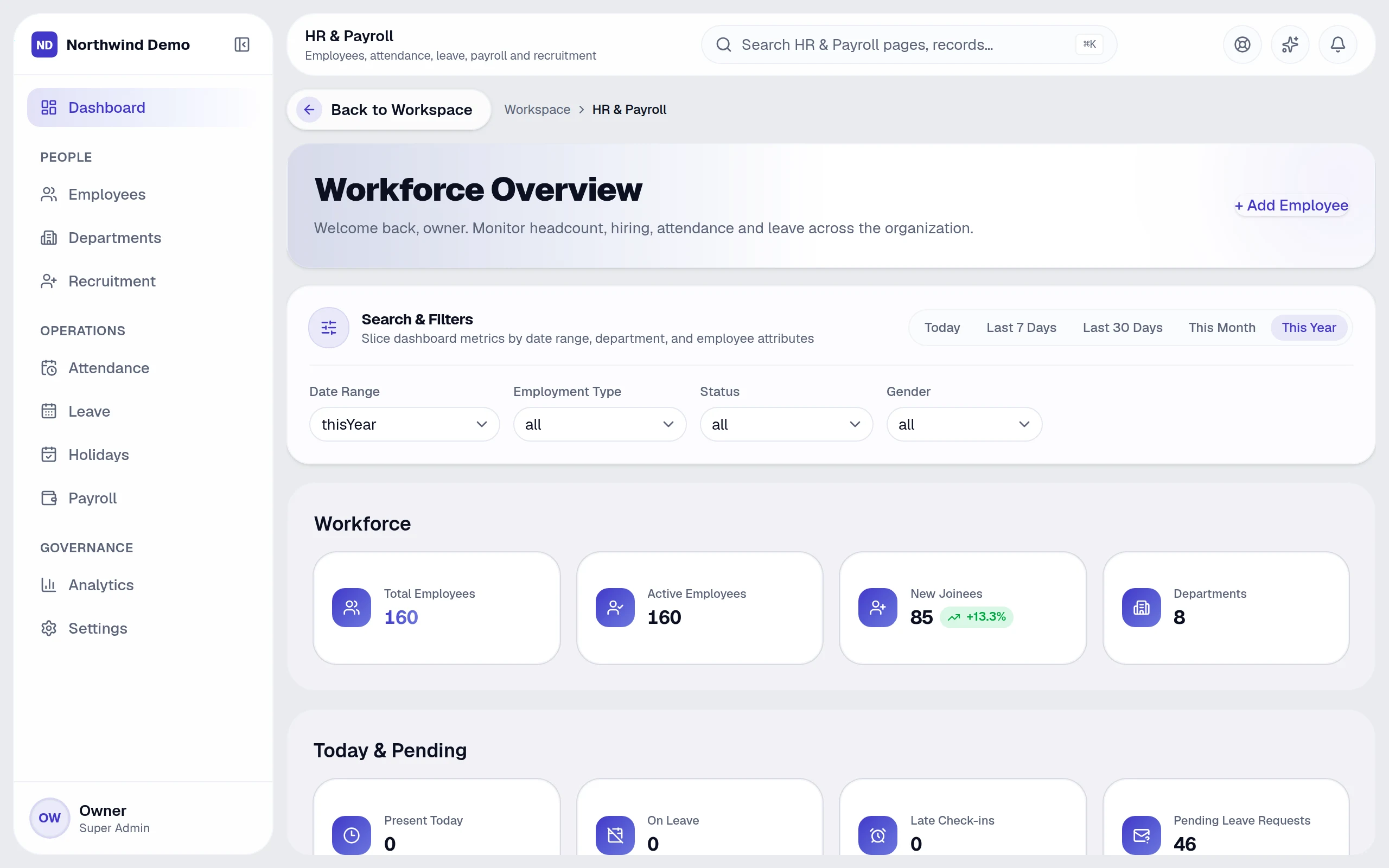 SelfRun SprintOS · SelfRun SprintOS — dashboard
 SelfRun DealFlow AI · Leads
 SelfRun CashFlow AI · Profit & loss
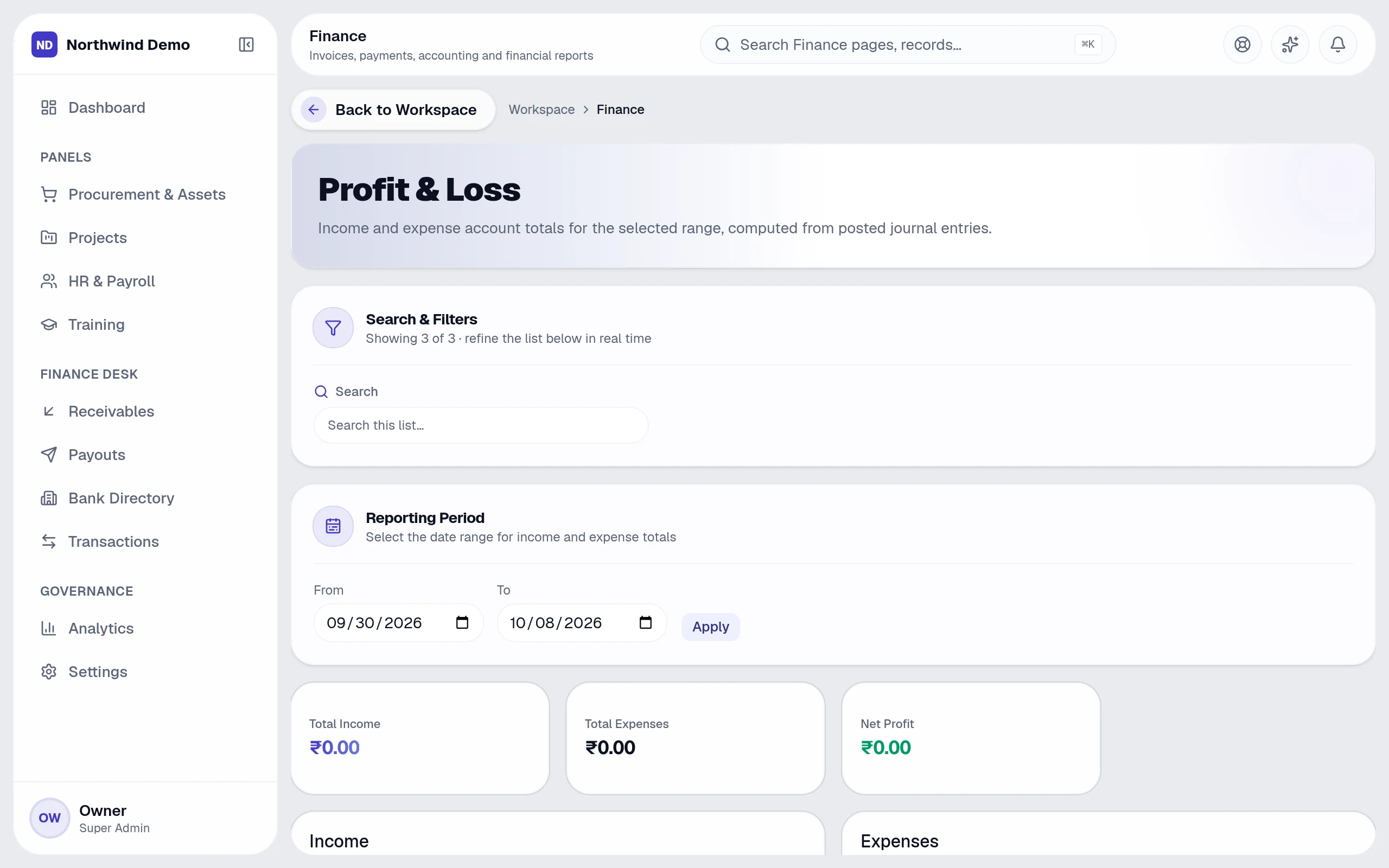 SelfRun Cohort AI · SelfRun Cohort AI — dashboard
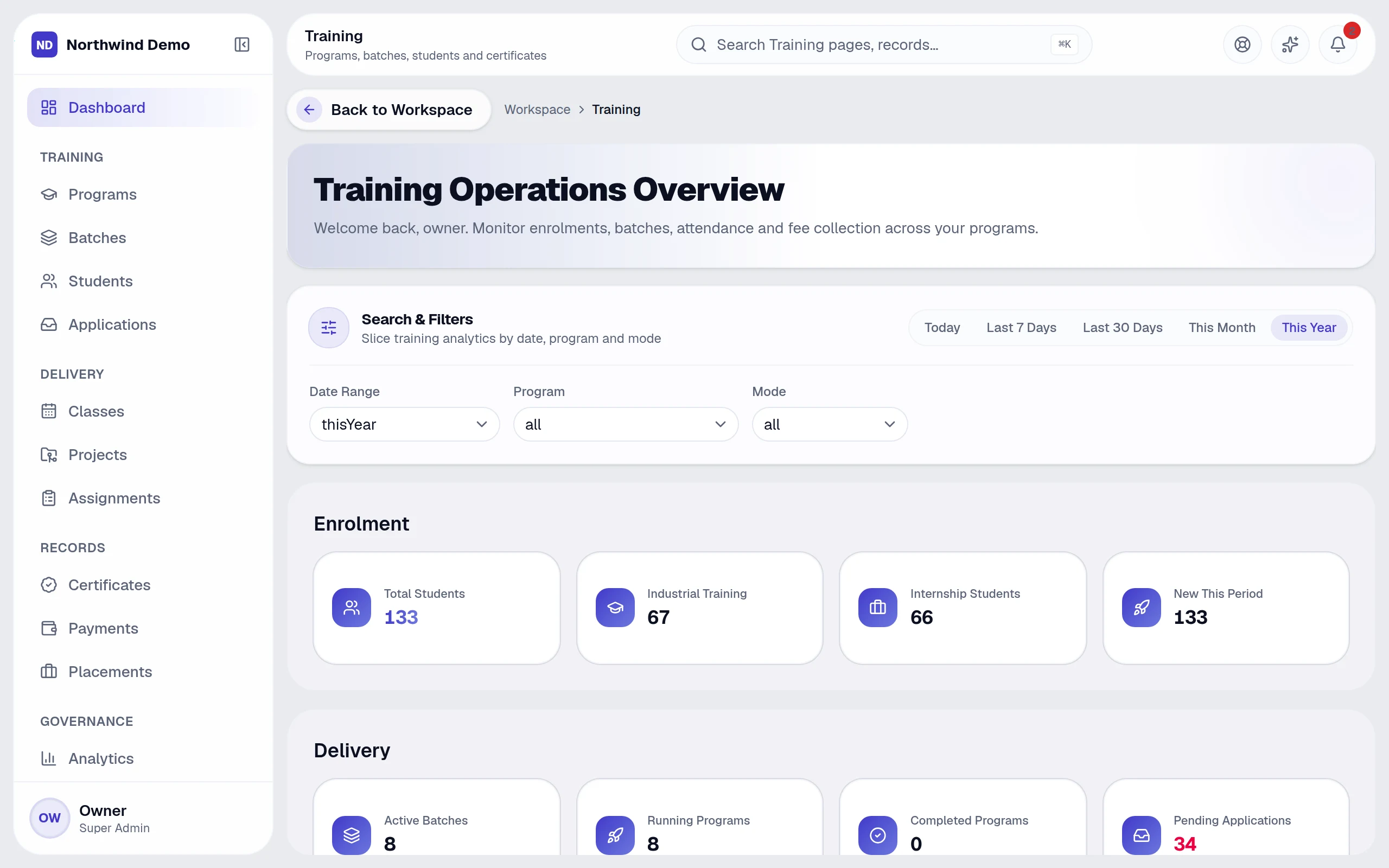 SelfRun Huddle AI · Team channels
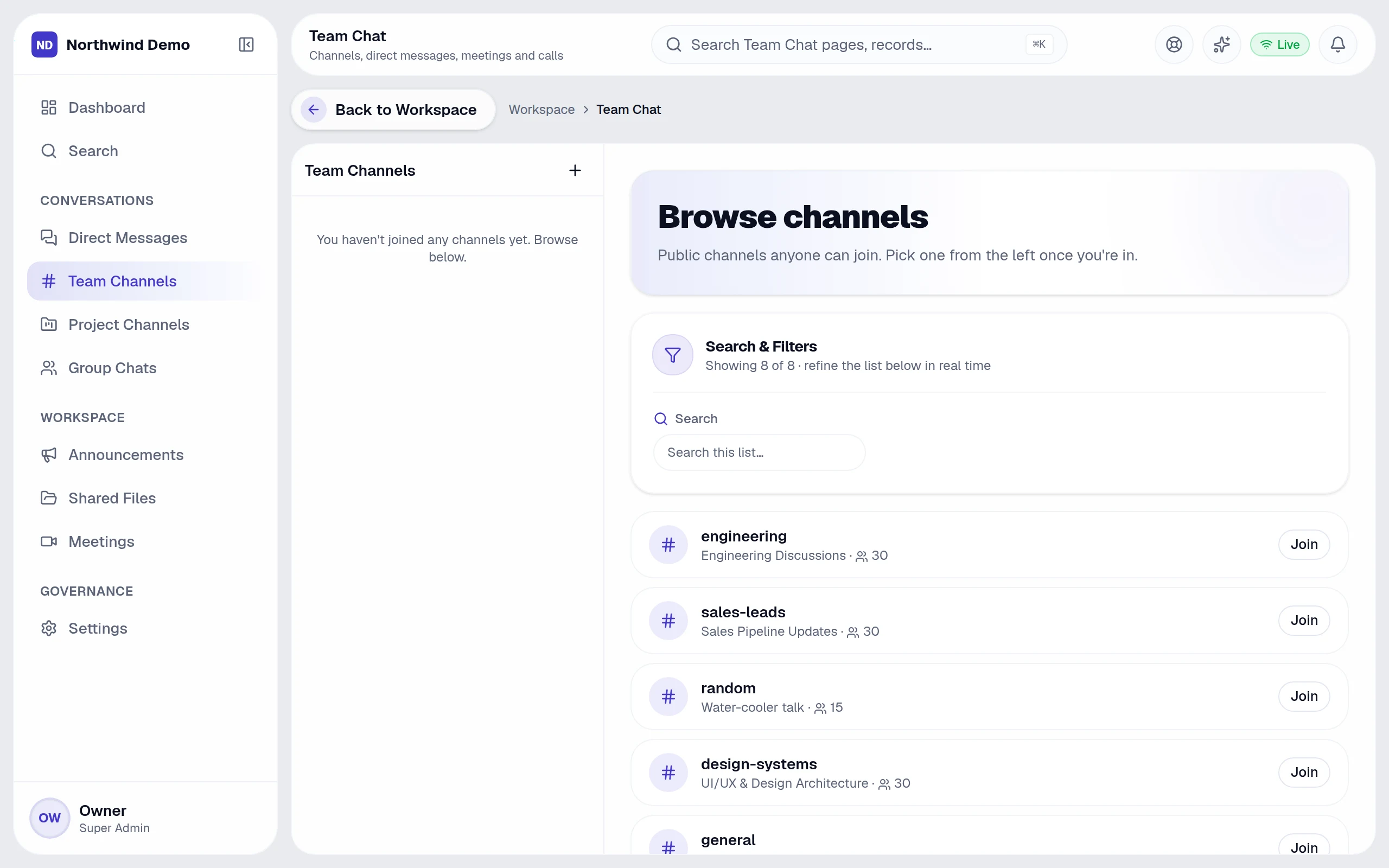
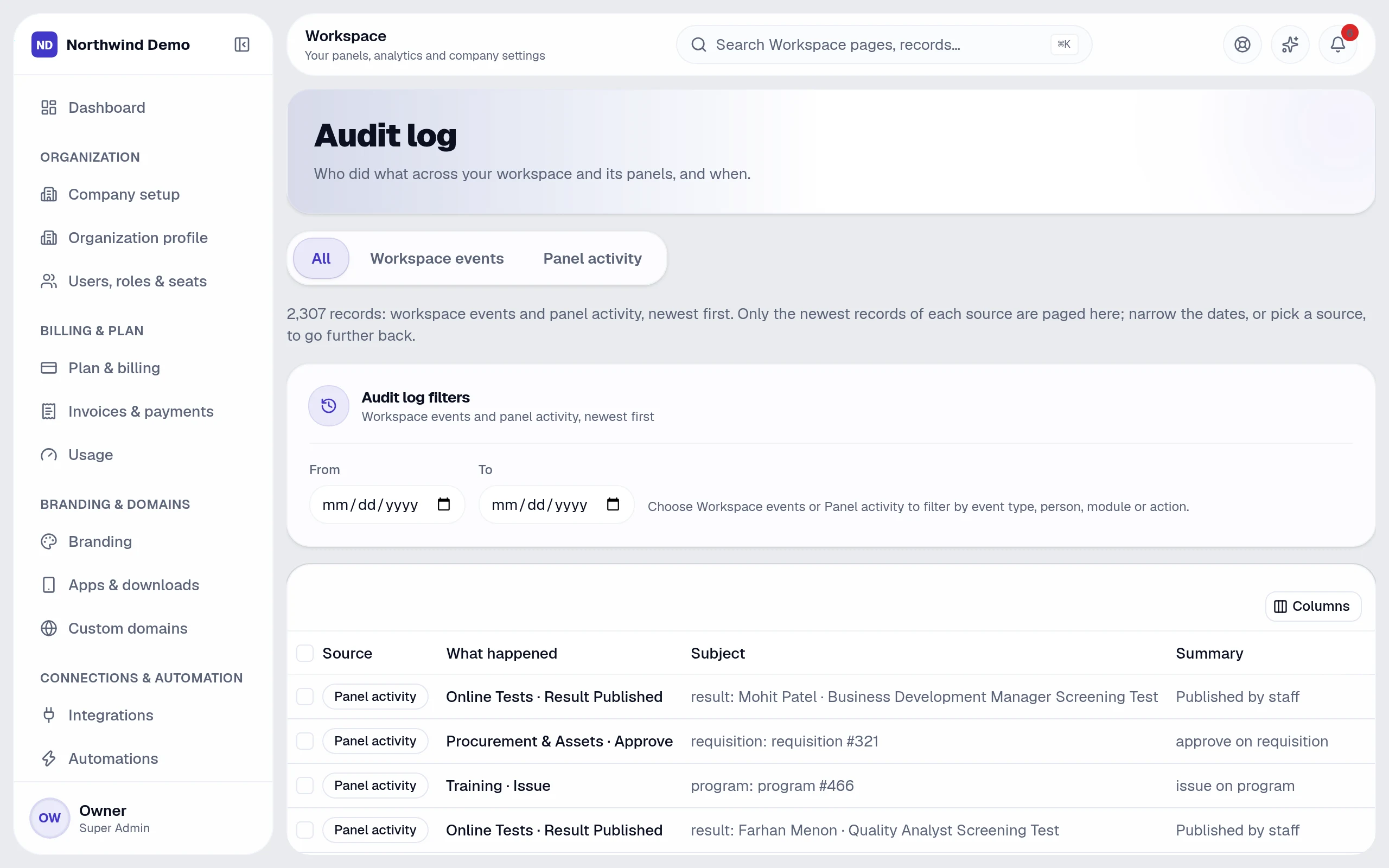
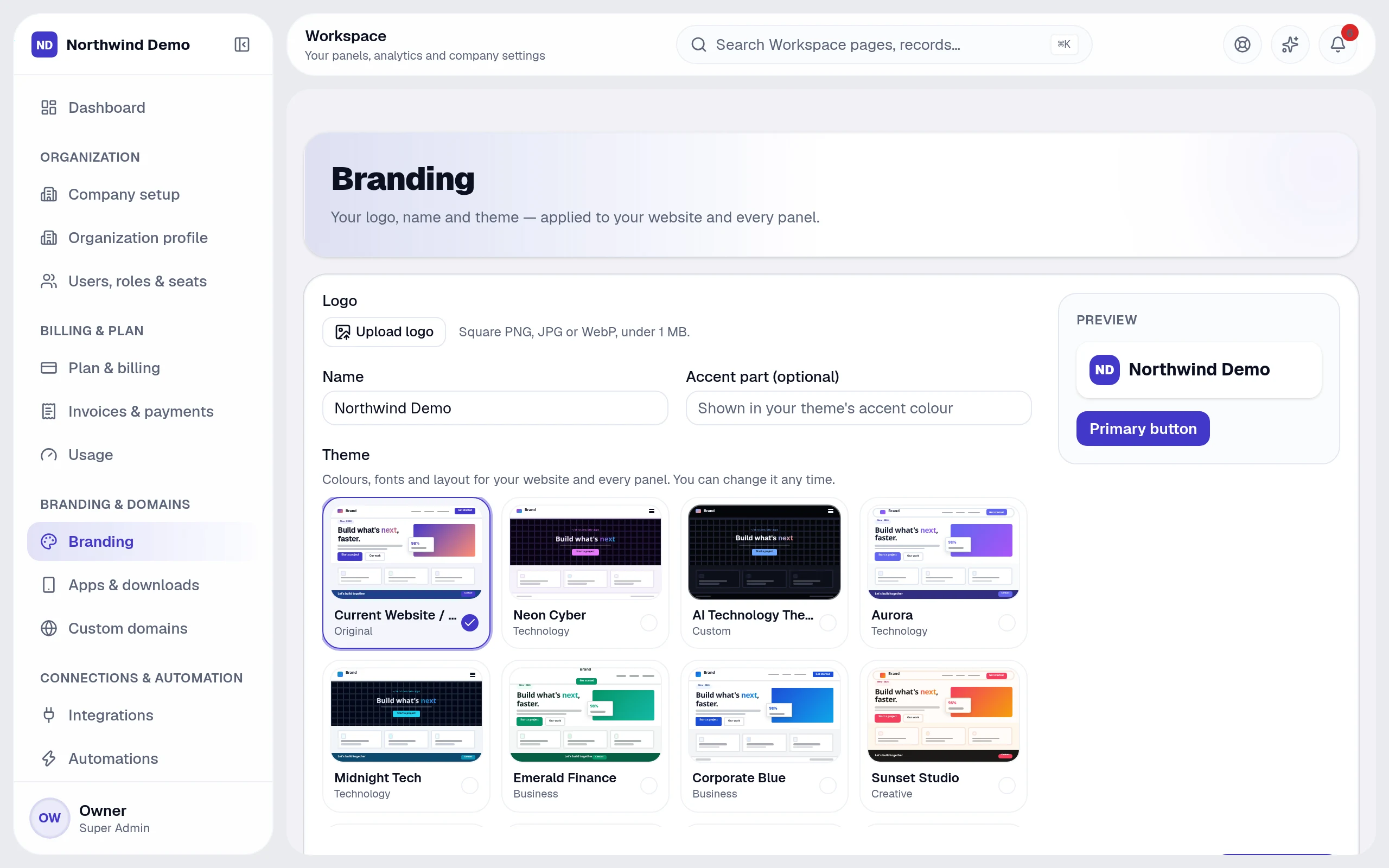 SelfRun CommandOS · Audit log
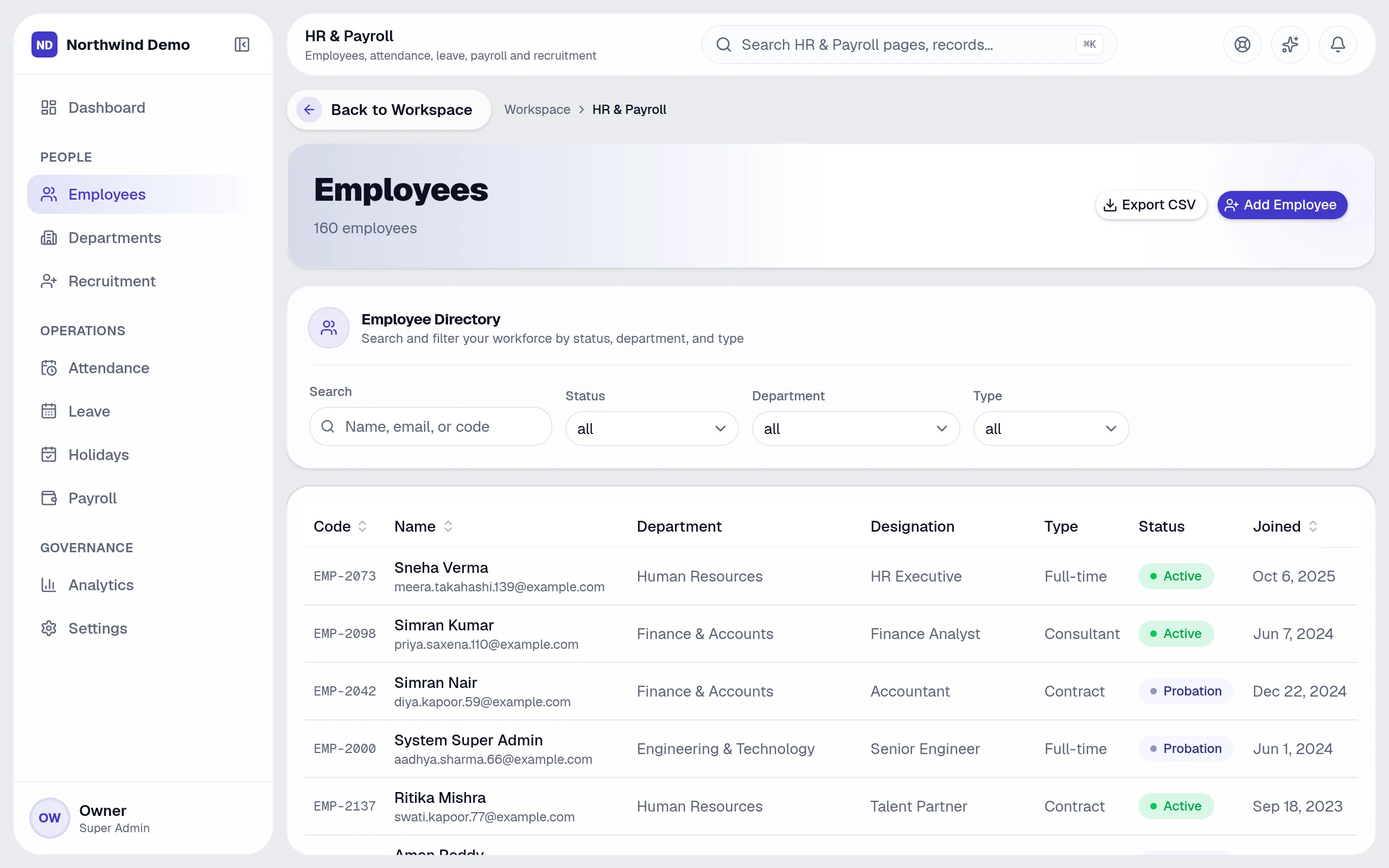
 SelfRun TalentOS · Employee directory
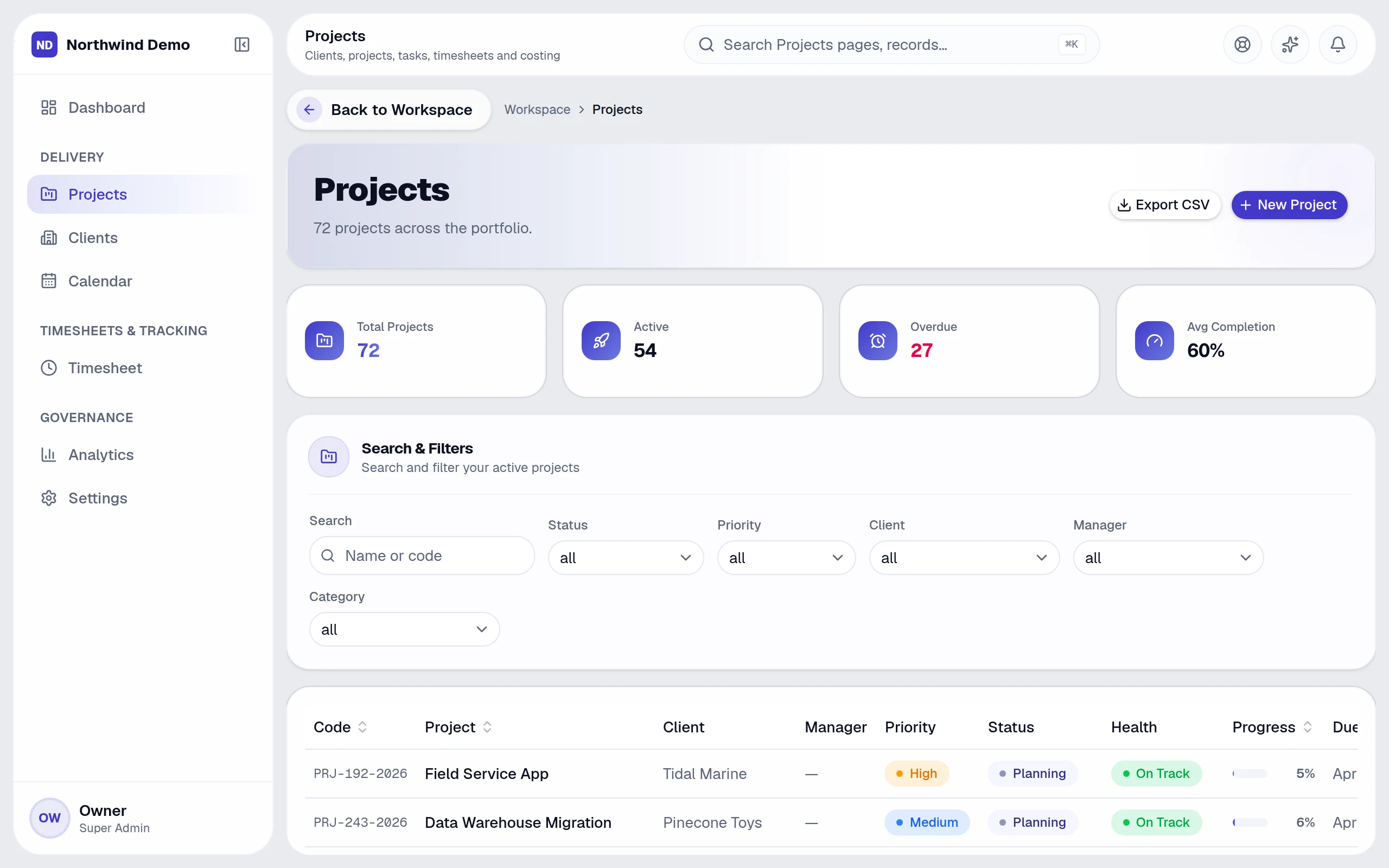
 SelfRun SprintOS · Projects
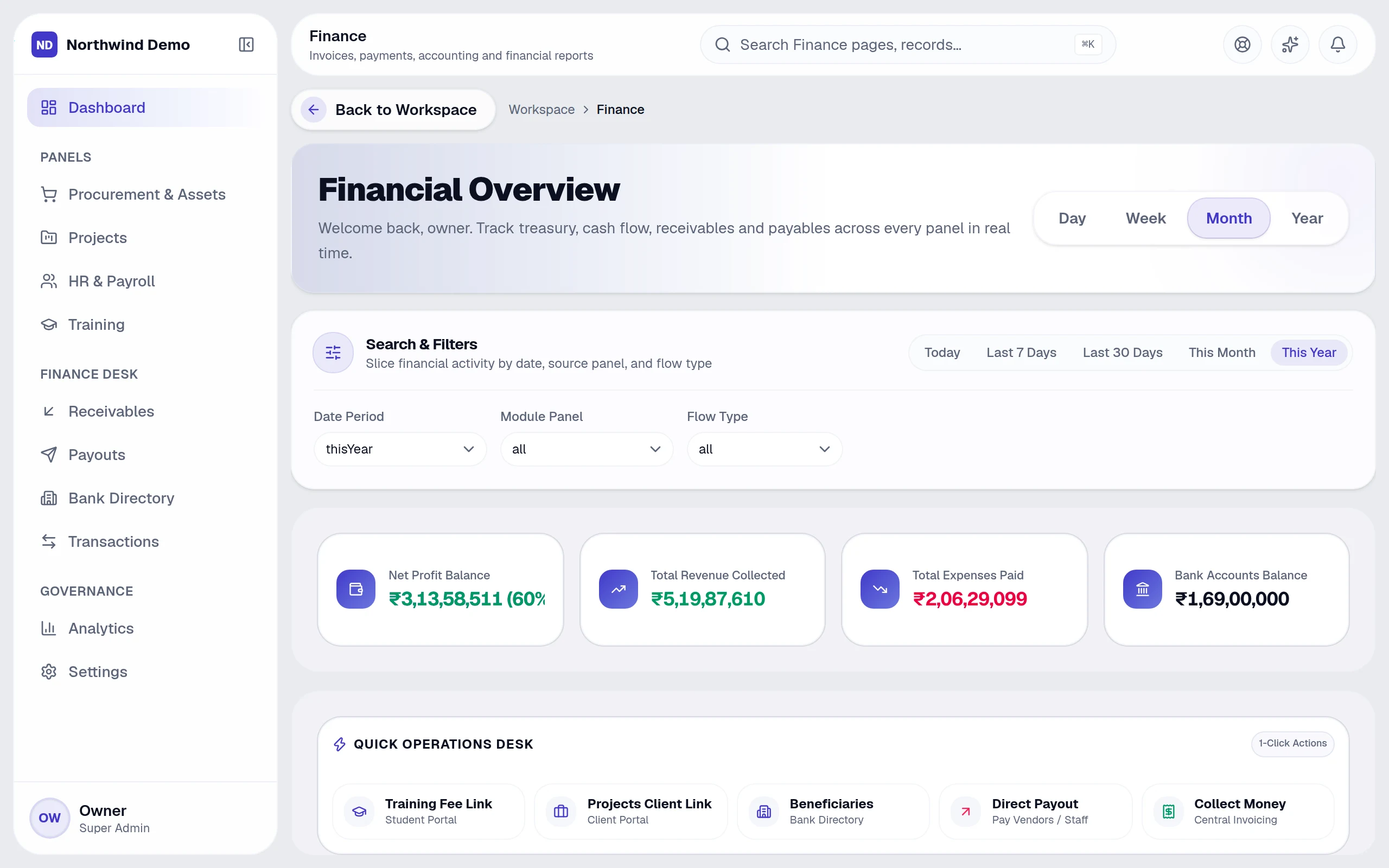
 SelfRun CashFlow AI · SelfRun CashFlow AI — dashboard
 SelfRun SpendIQ · SelfRun SpendIQ — dashboard
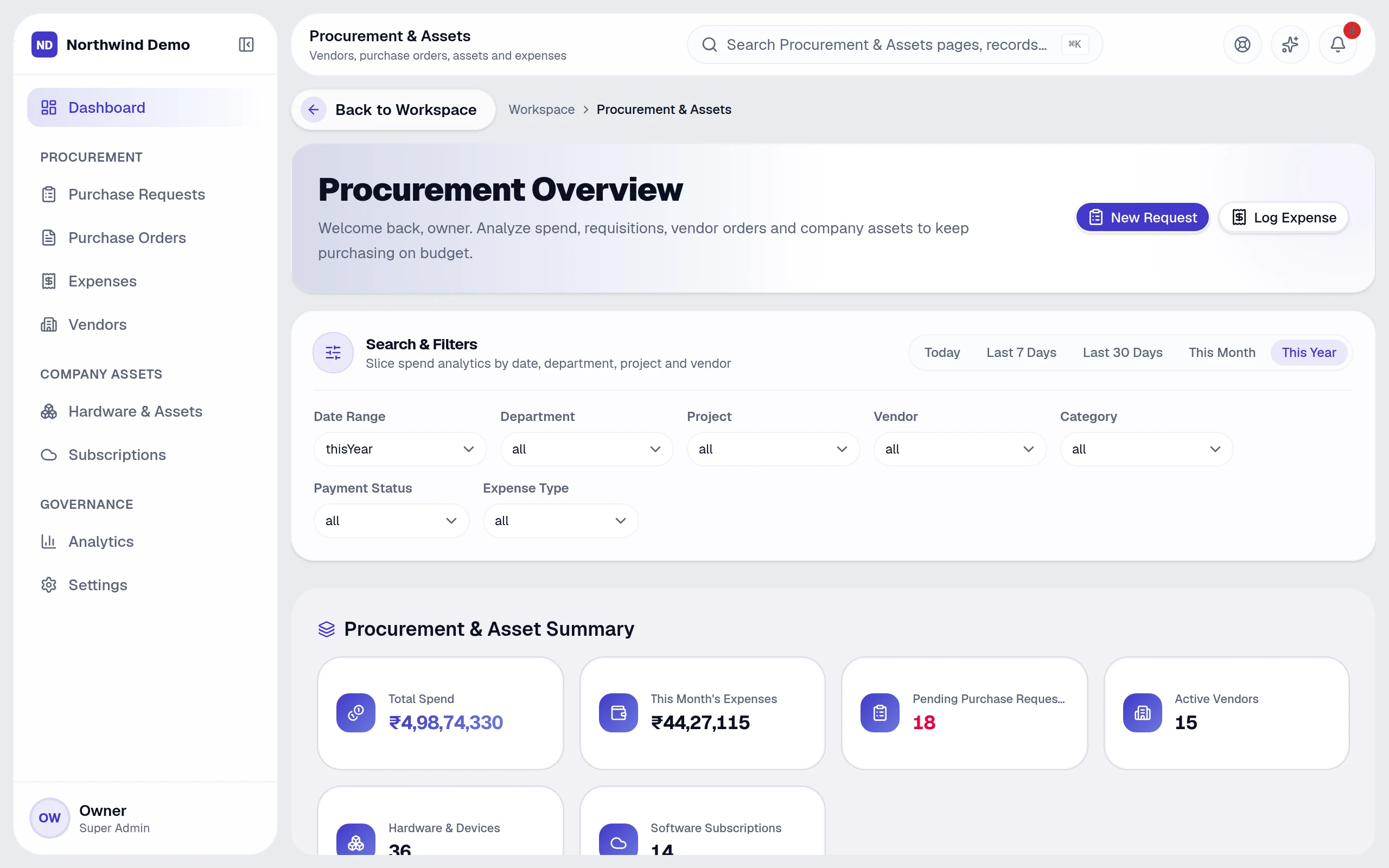 SelfRun Cohort AI · Students
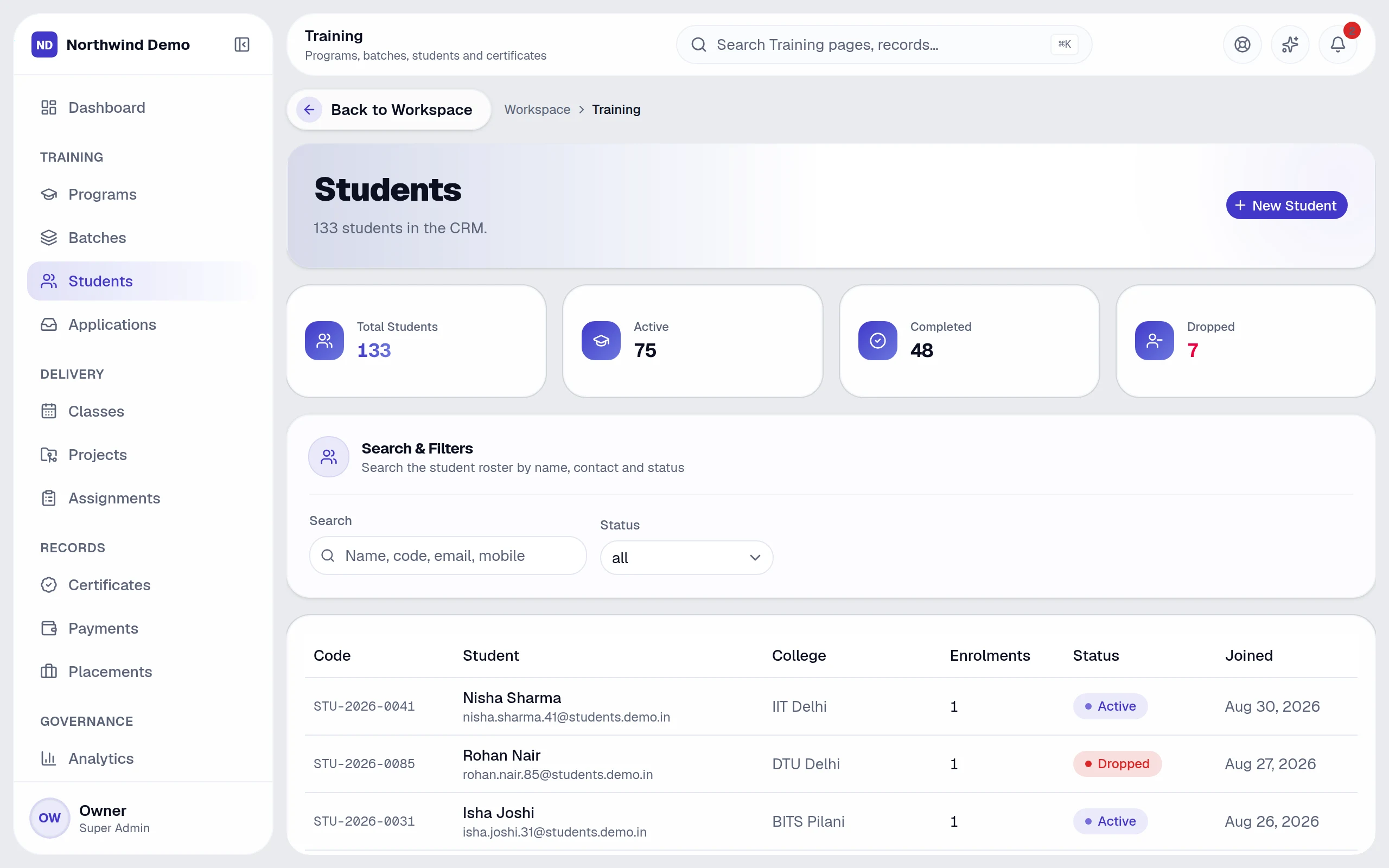 SelfRun Playbook AI · SelfRun Playbook AI — dashboard
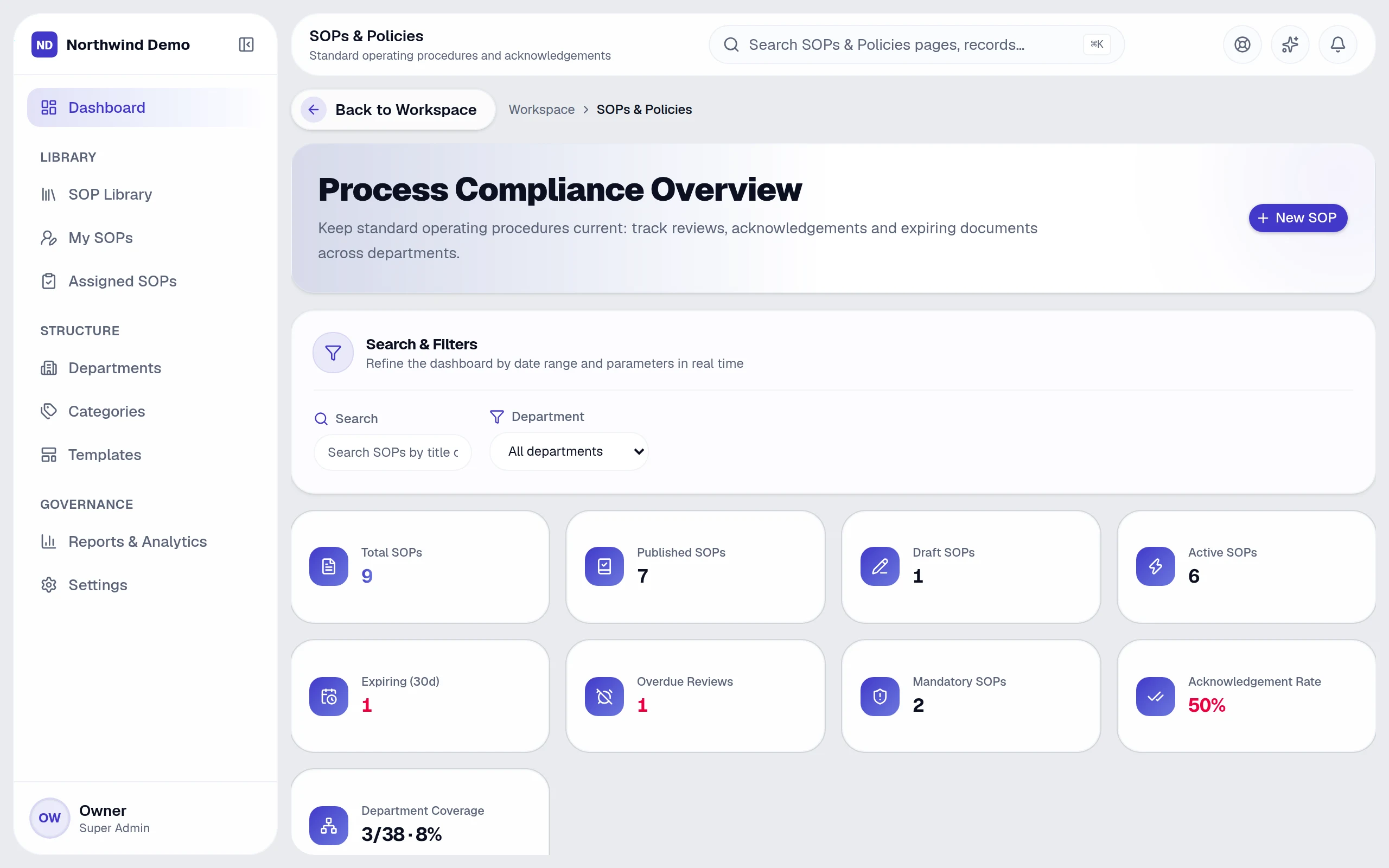
Real
screens from the live product
Filter by product, search, and open any screen full size.
Open the galleryYour brand
Your team, your customers and your website visitors see your business: your logo, your web address, your emails, your apps and your notifications. SelfRun stays out of sight. Pick an item below to see where it shows up.
Set once in the Workspace — applied everywhere it shows.
Explore brandingAny device
Open it in a web browser, add it to your phone or computer like an app, or get your own mobile and desktop apps. Every one shows your business name, icon and colours, and can send notifications.
Works in any modern browser, on any device — nothing to install.
Add it to your phone or computer from the browser in one tap, with your icon and notifications.
Your business's own Android and iPhone apps, made from your branding, that you can publish on Google Play and the App Store.
Your own app for Windows, Mac and Linux, with desktop notifications and a tray icon.
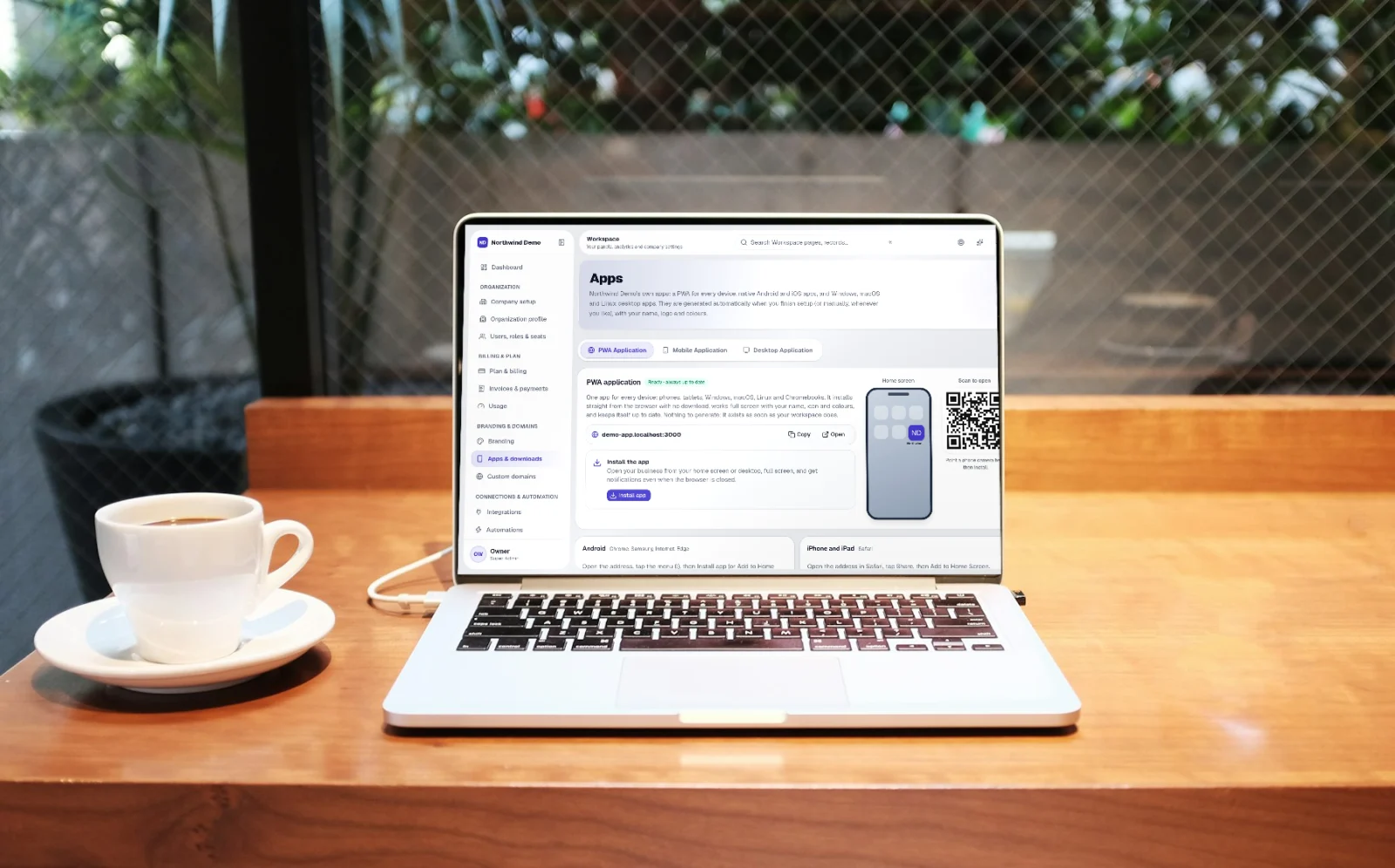
No locked features
Customers, staff, payroll, money, projects, buying, training, documents, your website, AI and more. Nothing is hidden behind a higher plan. Plans differ only by team size and usage limits.
Compare
Most businesses use a different app for every job: one for sales, one for HR, one for invoices, and so on. This table puts the usual way of working next to SelfRun AI, one row at a time.
Software
Your data
AI
Automation
Website
Mobile apps
Desktop apps
Install like an app
Notifications
Your brand
Control
Record of actions
Customer portal
Features
Pricing
Setup
What it costs
Add up what a team of ten pays for chat, HR, customer management, projects, accounting, purchasing, training, tests, a website, search ranking, social media, AI, file storage, a policy wiki and a help desk. Then compare it with SelfRun.
Separate tools · a team of 10
Only these jobs₹1,29,534 /mo
₹0Free forever
Need a team? Upgrade any time
SelfRun Starter
₹499 /mo
for up to 10 people · every product · every feature · AI built in
You keep every month
₹1,29,035
About 260× less — and ₹15,48,420 a year.
Independent products, together in one suiteAll products
Prices read on 14 Oct 2026 from the public pricing pages of a popular paid plan in each category: billing period as shown on each row, before tax; dollar prices at about ₹96.5 per $. Prices change and other plans exist, so check current prices before you decide. SelfRun price is monthly, before tax, for up to 10 people.
Savings
One bill instead of many, and less admin work for your people. Move the sliders to match your business.
Your business today — move the sliders
Software you stop paying for
₹7,501/mo
Plus 43 hours a month of manual admin your team can hand to automations — reminders, follow-ups, approvals and reports.
Your own estimate. Plan prices are today's, excluding taxes.
One plan replaces a separate app for every department, and every feature is already included.
Reminders, follow-ups, approvals and reports run on their own, so your team spends its time on customers instead of chasing.
Set up automatic steps between the parts of the software, and connect the services you already use. Each product also works fine on its own.
Free to start
The whole software is free to start, with every feature included. This is not a trial that runs out. Start using it today and pay only when your team grows.
Safety
Your data is kept separate from every other business's. People only see what their role allows. The AI only sees what the person asking is allowed to see.
Getting started
Four steps take you from signing up to running your business on SelfRun AI. You can do the first two in one sitting.
Go to Sign up, enter your work email and confirm it from the email we send you. You start on the free plan, which has every feature, and no card is needed. You can move to a paid plan later, only when your team grows.
A short guided setup asks for your business name and details, creates your departments, lets you invite your team by email and lets you switch products on or off. If you already have lists of customers or staff in a spreadsheet, you can import them here.
Pick a website theme and publish your website, connect the email address you send from and the AI features, and switch on the automatic reminders and approvals you want. Nothing is locked: you can change any setting later.
Your team opens the products they need every day, such as leads, projects, invoices or leave requests. Reminders and automatic steps take care of follow-ups, and dashboards show how the business is doing. Each product still works on its own.
Every feature, your own brand. Start free in minutes, or let us show you the platform with your own business scenarios.
Glossary
Some business and software words can be confusing. This is what each one means on this website.
FAQs
Still deciding? These are the things people ask before they start.
SelfRun AI is one online system for running a business. It brings your customers and sales, staff and payroll, invoices and accounts, projects, purchasing, training, documents, website and team chat into one place. AI and automatic reminders and approvals work across it. You open it in a web browser or in your own apps, and it carries your business name and logo.
No. Switch on only the products you need during setup. For example, you can begin with customers and invoices and add staff records or projects later. You can turn products on or off at any time from your workspace settings.
Yes. The free plan is free forever and includes every feature, with no card needed. Paid plans are for bigger teams: they allow more people and give you more storage and more AI, email and voice usage.
A guided setup takes a few minutes. It asks for your business details, creates your departments, invites your team and lets you choose the products you want. If you already keep lists of leads, clients or employees in a spreadsheet, you can import them from a CSV file.
Yes. On plans that include a custom domain you can use your own web address, such as yourbusiness.com, and the secure (HTTPS) certificate is set up for you automatically. Every workspace also gets its own address from the start, so you can begin before you connect a domain.
The AI only looks at your own business's records, and only at what the person asking is allowed to see. Its answers show how they were worked out, so you can check them. AI usage is counted per plan, so there are no surprises.
Yes. Every record belongs to one business, and the platform itself limits every request to that business. This is not left to individual screens. One business can never see another business's data.