
Documentation
step by step.
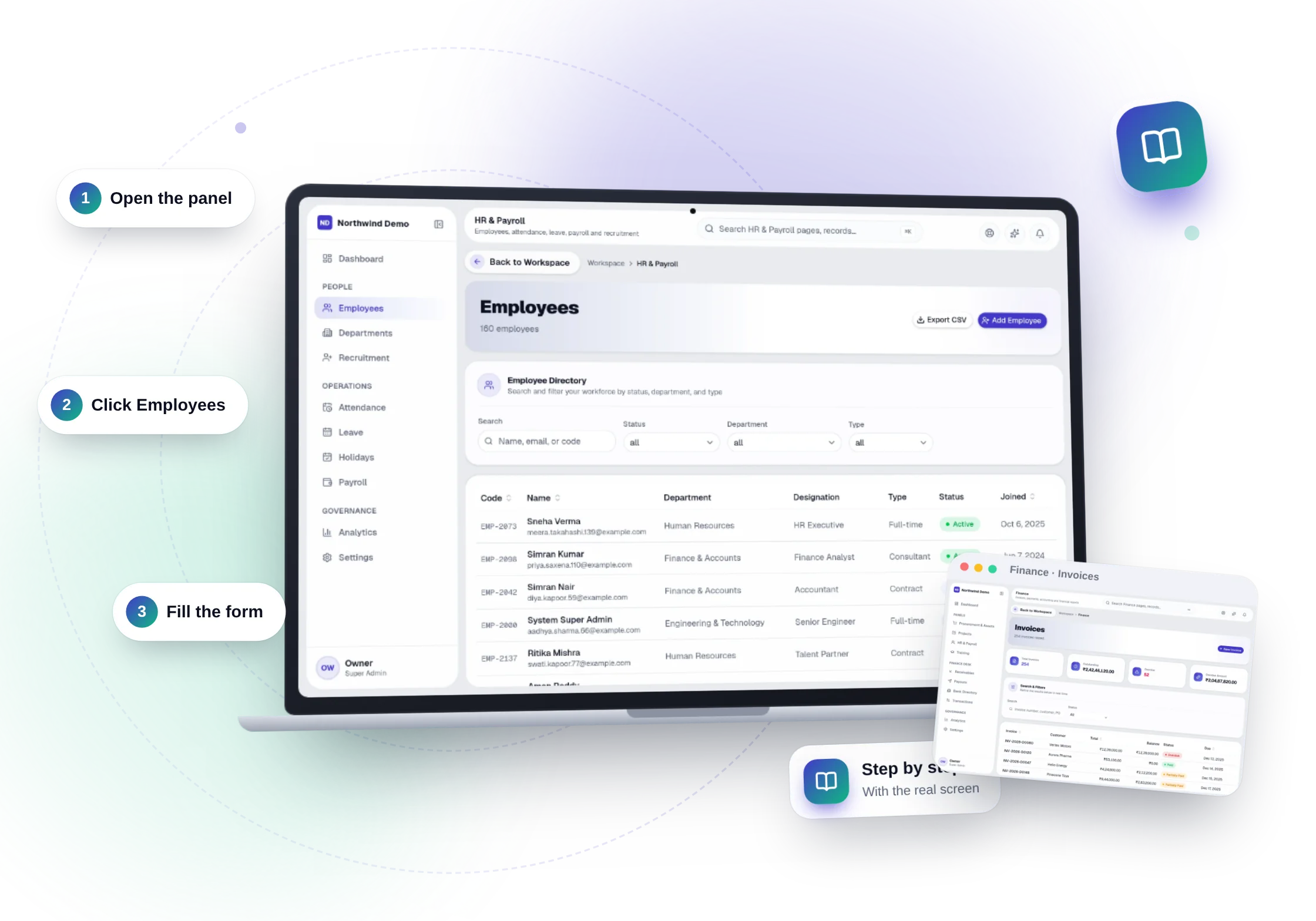
Choose a panel
Find your panel.
20 panels, 330 step-by-step guides. Pick the panel you work in.
- CRM & Sales15 guides
- Social Media12 guides
- SEO18 guides
- Website29 guides
- Public Website5 guides
- HR & Payroll23 guides
- Training20 guides
- Online Tests14 guides
- Finance42 guides
- Projects17 guides
- Procurement & Assets18 guides
- SOPs & Policies15 guides
- Legal & Documents12 guides
- Digi Locker11 guides
- AI Intelligence9 guides
- AI Assistants10 guides
- Team Chat12 guides
- Client & Student Portal13 guides
- Help & Support6 guides
- Workspace29 guides
15 guides
CRM & Sales
Capture leads from your website, forms, campaigns and imports, move them through a visual pipeline, and follow up on time every time.
- LeadsEvery enquiry with owner, status, source, due date and notes
- New leadAdd a lead by hand in seconds
- Pipeline overviewNew · In progress · Completed · Rejected at a glance
- Pending tasks & stale-lead alertsLeads untouched for days are flagged
- Lead detailFull history, notes and messages per lead
- Saved filtersSegment by category, status, source and date
- MessagesTwo-way messages with leads and portal users
- ApplicantsCareer applications with status, notes and resumes
- Applicant detailInterview scheduling and status per applicant
- NotificationsBe told when a lead or applicant needs you
- Website formsEnquiries from your website arrive as leads
- CSV importBring existing leads in with validation
- Lead & campaign analyticsPipeline health, spend, ROI and conversion
- Campaign trackingSee which campaigns bring revenue
- Export current viewCSV of exactly what you are looking at
12 guides
Social Media
Campaigns, posts per platform, AI-assisted copy and images, approvals and publishing in one calendar.
- Campaigns & adsBriefs, AI strategy and spend
- Social media postsAdapted for each platform
- New post & new campaignCreate in a few clicks
- Media libraryImages and video in one place
- AI content generatorCopy and images from one idea
- Tone refinementAdjust a post with one sentence
- Approval workflowNothing publishes without sign-off
- Calendar & schedulingPublish on schedule
- Platform connectionsYour business pages, connected
- AnalyticsCampaign and post performance
- SettingsRoles and permissions
- Activity trailRecorded in the central audit log
18 guides
SEO
Technical audits, on-page analysis, keyword and ranking tracking, backlinks and a sitemap/robots manager that drives your live website.
- SEO overviewHealth of the whole site
- Website auditPrioritised issues
- Technical SEOSpeed, crawl and index health
- On-page SEOTitles, headings and meta
- Content SEOScores per page
- PagesEvery page's SEO at a glance
- KeywordsKeyword groups
- RankingsRank tracking over time
- CompetitorsSee who outranks you
- Internal linksLink structure and gaps
- BacklinksMonitor who links to you
- SitemapManaged from the panel, drives your live site
- Robots.txtEdit and publish
- Schema / structured dataRich results
- SEO issuesPrioritised fix list
- SEO tasksAssign fixes with owners
- ReportsShare progress
- Settings & audit trailRules, permissions and history
29 guides
Website
A complete website builder: pages, sections, blog, forms, media, navigation, themes, SEO and custom domains.
- PagesDrag-and-drop builder with draft and publish
- ServicesYour service pages
- Blog postsArticles with SEO fields
- CareersJob openings on your site
- Hiring modelsEngagement options
- ProductsYour offerings in one place
- FormsEnquiries straight into your CRM
- Media libraryImages and files
- ThemesBrowse, preview live and activate
- CustomizeColours, fonts, radius and components
- MenusNavigation builder
- FooterFooter columns and links
- Site identityBrand, contact and social details
- Festival offersCampaigns, coupons, claims and subscribers
- Wallet & creditsReward rules, referrals, balances and ledger
- Referral campaignsGrow through your customers
- Usage rulesControl how credits are spent
- Push notificationsReach visitors on their devices
- SEO overviewSearch health of your site
- AI chatbotAnswers visitors from your knowledge base
- Knowledge baseTeach the chatbot your content
- AI configTone, behaviour and limits
- Conversation AIVoice conversations with AI
- Voice configPick the voice and behaviour
- ConversationsEvery chat and call, logged and searchable
- SettingsMaintenance mode, tracking and more
- CollectionsStructured content types
- Draft & approvalReview changes before they go live
- Audit trailRecorded in the central audit log
5 guides
Public Website
Publish your company website, served from your domain with automatic SSL, edited through the website builder.
23 guides
HR & Payroll
Employee records, attendance, leave, holidays, recruitment and payroll — with self-service for employees and approvals for managers.
- Employee directoryEvery employee with profile, documents and status
- Add & edit employeeFull personal, job and salary details
- DepartmentsTeams, heads and reporting lines
- Organisation treeSee who reports to whom
- RecruitmentPipeline from application to offer
- Employee documentsContracts, IDs and certificates per person
- AttendanceMonthly calendar, check-ins and late arrivals
- LeaveLeave types, balances, requests and approvals
- HolidaysCompany holiday calendar
- Payroll runsRun payroll for a month with one flow
- Salary revisionsTrack every change in pay
- PayslipsGenerated and available to each employee
- Salary payoutsPay salaries and post them to Finance
- My dashboardEach person's own HR home
- My attendanceCheck in and review your month
- My leaveRequest leave and see your balance
- My salary & payslipsPay history and downloads
- My documents & profilePersonal records, always current
- Company directoryFind colleagues across the company
- HR analyticsHeadcount, hiring, attendance and leave trends
- SettingsLeave rules, policies and permissions
- NotificationsLeave requests and approvals reach the right person
- Audit trailEvery change recorded in the central audit log
20 guides
Training
Programs, batches, classes, students, assignments, payments and certificates for institutes and corporate training teams.
- ProgramsCourses and curriculum
- BatchesGroups with schedule, mentors and capacity
- Batch calendarAll batches on one calendar
- StudentsRecords, progress and attendance
- ApplicationsEnrolment requests, as a list or a board
- ClassesSchedules and attendance
- ProjectsLive projects for students
- AssignmentsSet, submit and review
- Mentor toolsGuide students through the program
- CertificatesIssued with public verification
- PaymentsFees, instalments, receipts and reminders
- PlacementsTrack student placements
- ReportsEnrolment, attendance and revenue
- My dashboardEverything a student needs
- My program & batchCurriculum and classmates
- Class scheduleUpcoming classes
- My assignments & projectsSubmit and get feedback
- My certificatesDownload and share
- My paymentsPay fees online
- ProfileKeep details current
14 guides
Online Tests
Question banks, timed online tests, automatic evaluation, certificates and analytics.
- TestsTimed tests with sections and randomisation
- New testBuild from your question bank
- Question bankCategories, bulk add and import
- Question importBring questions in from files
- Test assignmentsAssign to candidates, employees and students
- ResultsAutomatic and manual evaluation
- Evaluator workflowNotify evaluators of pending answers
- CertificatesIssued on passing
- Test reports & analyticsPerformance across tests
- Hiring screeningAssign a test when an application reaches a stage
- My testsCandidates take tests in their portal
- My resultsScores and feedback
- Question & test categoriesOrganise everything
- Settings & activity logRules, permissions and history
42 guides
Finance
Invoices, bills, payments, banking, reconciliation and financial reports — connected to every other module so numbers are never re-entered.
- ReceivablesEverything customers owe you
- InvoicesCreate, send and track invoices
- Credit notesAdjust invoices cleanly
- ReceiptsRecord and issue receipts
- Payment linksGet paid online from any invoice
- RefundsHandle refunds with a trail
- CustomersCustomer records with history
- PayablesEverything you owe
- BillsCapture and approve vendor bills
- Debit notesAdjust bills cleanly
- PayoutsPay vendors and staff from one place
- Vendors & bank directoryBeneficiaries and bank details
- Advances & employee expensesClaims with approvals
- Salary payments & payroll runsPosted from HR automatically
- Bank accountsEvery account with its transactions
- Cash accountsPetty cash and cash on hand
- TransfersMove money between accounts
- Bank reconciliationMatch statements to the books
- Cash reconciliationCount and reconcile cash
- TransactionsEvery money movement, with approvals
- General ledgerEvery posting, searchable
- Trial balanceAlways in balance
- Profit & lossRevenue and expenses
- Balance sheetAssets, liabilities and equity
- Cash flowWhere the cash came from and went
- Tax reportsReady for your accountant
- Budget vs actualSpot overspend early
- Project profitabilityMargin by project
- Revenue & expense reportsTrends and breakdowns
- ApprovalsRoute money movements for sign-off
- Approval rulesThresholds and approvers
- Chart of accountsYour own account structure
- Fiscal periodsOpen and close periods
- NumberingDocument number series
- Tax configurationGST and tax rates
- Exchange ratesMulti-currency support
- Payment methodsAccepted ways to pay
- Asset expensesLink spending to company assets
- ProcurementVendor invoices and purchase payments
- ProjectsMilestone billing and project costs
- HR & payrollSalary payouts posted automatically
- TrainingStudent fees and receipts
17 guides
Projects
Clients, projects, tasks, timesheets and costing with boards, timelines and calendars your whole team can follow.
- ProjectsAll projects with status, owner and dates
- Project boardKanban board of tasks
- Task listsTasks with assignees, due dates and priorities
- TimelineGantt-style view of the plan
- CalendarDeadlines and milestones at a glance
- Project documentsFiles and discussion on the work
- ClientsContacts and full project history
- TimesheetsTime logged against projects, approved by managers
- CostingBudget, cost and profitability per project
- MilestonesTrack and bill delivery stages
- Overdue warningsBe told before a project slips
- My projectsOnly the projects you are on
- My tasksYour own work list
- My timesheetLog time in seconds
- NotificationsAssigned or overdue tasks reach you
- Project analyticsDelivery and workload trends
- SettingsProject rules, roles and permissions
18 guides
Procurement & Assets
Requisitions, RFQs, purchase orders, goods receipts, vendor invoices, inventory and assets — with approvals at every step.
- Purchase requestsRequests with approval chains by amount
- RFQsRequest quotes and compare vendors
- Purchase ordersIssue and track orders
- Goods receipt (GRN)Record what arrived
- Vendor invoicesThree-way match: order, receipt and invoice
- PaymentsPay approved invoices
- ContractsVendor contracts and renewals
- VendorsDirectory with history and performance
- ExpensesExpense claims with approvals
- BudgetsSet and watch budgets
- Third-party servicesTrack external providers
- Procurement analytics & reportsWhere the money goes
- Hardware & assetsRegister, assign and track every asset
- SubscriptionsSoftware subscriptions with renewal alerts
- InfrastructureServers, domains and hosting
- InventoryStock with movements
- My requestsEmployees raise and track purchase requests
- My expensesSubmit and follow your own claims
15 guides
SOPs & Policies
Create, version and publish standard operating procedures, assign them to people and track acknowledgements.
- SOP libraryProcedures with categories, owners and versions
- New SOPBlock editor with templates
- My SOPsProcedures you own
- Assigned SOPsWhat you must read and acknowledge
- Version historyEvery revision kept
- DepartmentsProcedures per department
- CategoriesOrganise the library
- TemplatesStart from a block template
- AssignmentsTo people, teams, departments or roles
- Acknowledgement trackingKnow who has read what
- Compliance reportsOverdue and complete, at a glance
- Review & expiry scheduleReminders before a review is due
- FeedbackStaff comment on procedures
- Reports & analyticsUsage and compliance trends
- Settings & audit trailRules, permissions and full history
12 guides
Legal & Documents
Document templates, approval workflows, signatures and certificates in one place.
- Document libraryEvery document with status and history
- New documentGenerate from a template
- ApprovalsRoute documents for approval
- SignaturesCollect and track signatures
- Document historyWho changed and approved what
- TemplatesReusable blocks and layouts
- Maker typesWho can create which documents
- WorkflowsApproval chains per document type
- CategoriesOrganise documents
- SettingsRules and permissions
- Audit trailRecorded in the central audit log
- NotificationsIssued, approved or expiring
11 guides
Digi Locker
Store credentials, files, links and notes with encryption, access control and expiry alerts.
- Company vaultThe company's own records
- Client vaultsA separate vault per client
- Credential vaultEncrypted logins and keys
- Document vaultFiles with version history
- URLs & accountsLinks and online accounts
- NotesSecure notes
- Encryption at restCredentials and documents are encrypted
- Per-record accessShare exactly what is needed
- Expiry & alertsNever miss a renewal or expiry
- Activity logWho opened or changed what
- SettingsRoles and permissions
9 guides
AI Intelligence
Ask questions in plain language and get answers computed from your real records, with tables, charts and a clear explanation of how each number was calculated.
- Plain-language questionsAcross every panel's data
- Answers from live dataRead-only queries, never guessed
- Tables, charts & KPIsThe right view for each answer
- How this was calculatedEvery answer shows its working
- Suggested questionsStart from what people ask most
- Access respectedOnly data the asker may see
- Sensitive fields withheldNever offered to the AI
- ConversationsSearch and revisit past questions
- Usage meteringAI allowance tracked per plan
10 guides
AI Assistants
Create bots with your instructions and files, give your team and customers access, and track usage and cost.
- Create botYour instructions and knowledge files
- Start new chatTalk to any bot you can use
- Find a botBrowse the bots available to you
- Knowledge filesGround a bot in your own documents
- Manage botsEdit, pause and delete
- Access modes per botTeam, customers or both
- All chatsFull conversation history
- Usage & costTracked per bot
- SettingsRoles and permissions
- Audit trailEvery change recorded
12 guides
Team Chat
Channels, direct messages, announcements, meetings and calls inside your workspace — no separate chat subscription.
- Direct messagesOne-to-one chat with files
- Team channelsChannels for every team
- Project channelsDiscussion next to the project
- Group chatsAd-hoc groups
- Unread countsNever miss a message
- AnnouncementsCompany-wide posts with read tracking
- Shared filesEvery file shared in chat
- MeetingsMeetings and group calls
- SearchAcross messages, people and files
- Presence & notificationsSee who is around and get alerted
- SettingsRoles, retention and permissions
- Activity trailRecorded in the central audit log
13 guides
Client & Student Portal
Give external people one place to see their projects, invoices, tests, certificates and messages.
- Projects & milestonesProgress they can see
- Invoices & paymentsPay online
- DocumentsShared files
- Messages & meetingsTalk to your team
- Program & scheduleCurriculum and classes
- Assignments & projectsSubmit and get feedback
- AttendanceSee your record
- Tests & certificatesTake tests, download certificates
- Application & interviewsTrack the application
- JourneyWhere you are in the process
- Rewards, referrals & walletEarn and spend credits
- Notifications & settingsChoose what reaches you
- Profile & registrationSelf-service sign-up and account
6 guides
Help & Support
An AI help assistant that knows the product, a searchable help center and a request desk with attachments and status tracking.
29 guides
Workspace
One dashboard for every module, company-wide analytics, users and roles, audit log, automations, imports and settings.
- Executive dashboardEvery panel's live numbers on one screen
- Panel performance matrixStatus and key counts for each panel, with one-click Open
- Per-panel analyticsDrill into any panel with date, department and owner filters
- NotificationsOne inbox for everything that needs you, with notification settings
- DocumentsFiles uploaded across projects, HR and the portal
- Company-wide searchFind any record in any panel (⌘K)
- Guided company setupProfile, departments, invitations and which panels your team uses
- Organization profileLegal name, industry, country, currency, time zone, contacts
- Users, roles & seatsWho can sign in, which panels and permissions, seats used
- InvitationsInvite people by email with a role
- Data importLeads, clients and employees from validated CSV files
- Email verificationVerified accounts before anyone gets access
- BrandingYour logo, name, accent and theme across panels, emails and PDFs
- Apps & downloadsYour own PWA, Android, iOS, Windows, macOS and Linux apps
- Custom domainsYour own domain and panels host with automatic SSL
- Payment accountCollect invoice payments and pay salaries through your own gateway account
- AutomationsTrigger → Condition → Action workflows with ready-made templates
- Run historySee what every workflow did and why
- IntegrationsPayment gateway, webhooks, email and AI provider keys
- Signed webhooksSend events to the systems you already use
- Audit logWho did what across every panel, and when — with CSV export
- SecuritySign-in, password and accounts that need attention
- Sessions & devicesEvery signed-in device, with log out one or everywhere
- Sign-in historySign-ins, failures and sign-outs kept for 180 days
- Roles & permissionsPer-panel roles with per-action permissions
- Plan & billingYour plan, payments, coupon codes and GST details
- Invoices & paymentsTax invoices and credit notes for your subscription
- UsageSeats, AI, email, voice and storage used against your plan
- UpgradeChange plan any time
FAQs
Questions, answered.
Still deciding? These are the things people ask before they start.
What is SelfRun AI?
SelfRun AI is a cloud platform that brings your sales, HR, finance, projects, procurement, training, documents, website and team communication into one system, with AI and workflow automation running through all of it.
Do I need to use every module?
No. Each plan includes a set of modules and you switch on only what you need during setup. You can turn modules on or off later from your workspace settings.
Is there a free plan?
Yes. The Free plan is free forever for one person and includes every panel and every feature — no card needed. Paid plans add more people and bigger storage, AI, email and voice allowances.
How long does setup take?
A guided setup takes a few minutes: company details, departments, team invitations and the modules you want. Importing existing leads, clients or employees from CSV is built in.
Can I use my own domain for my website?
Yes. Plans that include a custom domain let you connect your own domain with automatic SSL. Every workspace also gets its own address on our domain from the start.