
Your website, fully in your control
29
features
2
automations out of the box
1 panel
replaces website builder, cms tools
Every plan
free forever included
Overview
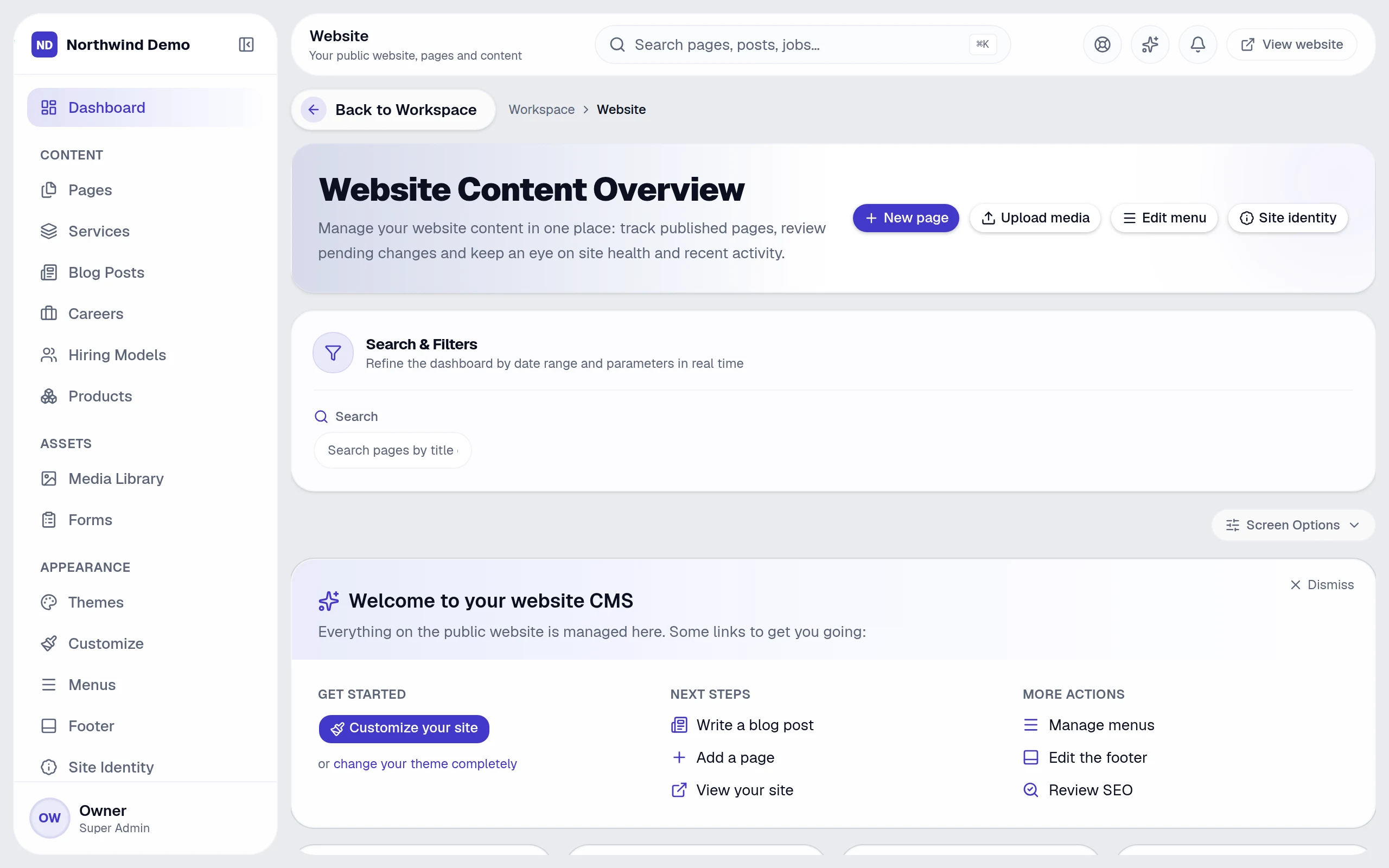
Website in one page.
Your whole website — pages, blog, forms, offers, wallet, chatbot and notifications — managed by your team, published in one click.
“The result
A professional website your team can change any day — without a developer.
Key capabilities
- Drag-and-drop page builder with draft and publish
- Blog, collections and forms
- Media library
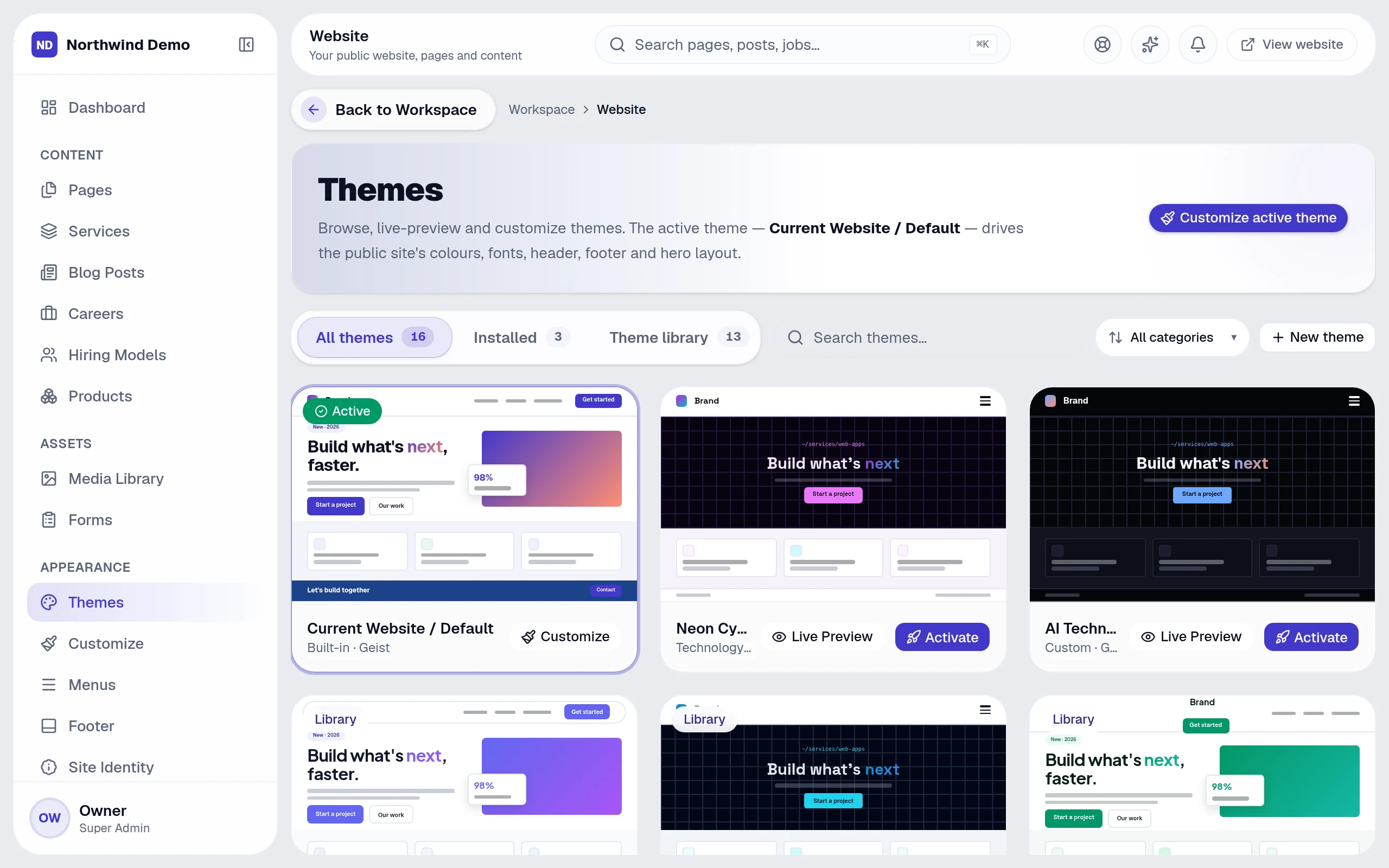
- Themes with live preview
- Navigation and footer management
- Custom domain with automatic SSL
What it covers
Replaces
Website builder, CMS & marketing tools
Best for
Marketing & content · Designers · Approvers · Customer-facing teams
From start to finish
- 1Build
- 2Style
- 3Publish
- 4Grow
Why teams use it
What Website gives you that separate tools don't.
It replaces website builder, cms & marketing tools — as one panel inside the same platform, on the same login and the same data.
Change your website any day — no developer needed
Forms feed your CRM directly
Offers, coupons, referrals and wallet credits built in
AI chatbot and voice AI answer visitors around the clock
Who uses it
One panel, the right view for everyone.
People see and do only what their role allows, so each person gets a screen that fits their job.
Marketing & content
Edit pages and blog posts, run offers and campaigns.
Designers
Pick and customise themes, menus and the footer.
Approvers
Review pages waiting to be published.
Customer-facing teams
Review chatbot and voice conversations.
How it works
From start to finish, step by step.
Your whole website — pages, blog, forms, offers, wallet, chatbot and notifications — managed by your team, published in one click.
- 1
Step 01
Build
Compose pages from sections in the builder, as drafts.
- 2
Step 02
Style
Choose a theme, preview it live and customise colours, fonts and components.
- 3
Step 03
Publish
Review, then publish; maintenance mode protects the site while you work.
- 4
Step 04
Grow
Forms feed the CRM; offers, wallet credits, push notifications and the AI chatbot bring visitors back.
29 features
Every Website feature, explained.
Grouped the way the panel's own menu groups them. All of it is included in every plan.
Content
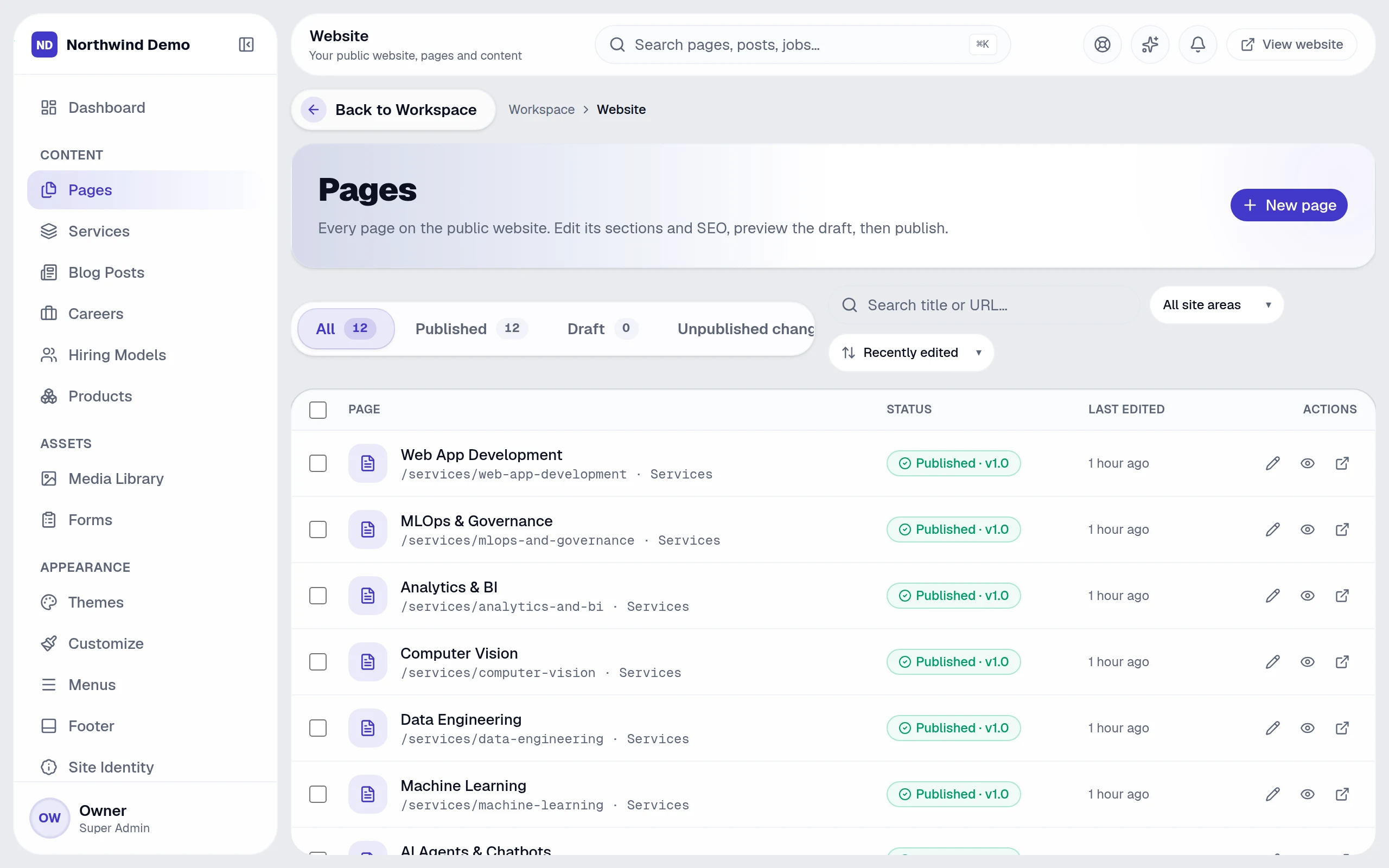
8 featuresPages
Drag-and-drop builder with draft and publish
Services
Your service pages
Blog posts
Articles with SEO fields
Careers
Job openings on your site
Hiring models
Engagement options
Products
Your offerings in one place
Forms
Enquiries straight into your CRM
Media library
Images and files
Appearance
5 featuresThemes
Browse, preview live and activate
Customize
Colours, fonts, radius and components
Menus
Navigation builder
Footer
Footer columns and links
Site identity
Brand, contact and social details
Growth
6 featuresFestival offers
Campaigns, coupons, claims and subscribers
Wallet & credits
Reward rules, referrals, balances and ledger
Referral campaigns
Grow through your customers
Usage rules
Control how credits are spent
Push notifications
Reach visitors on their devices
SEO overview
Search health of your site
AI on your website
6 featuresAI chatbot
Answers visitors from your knowledge base
Knowledge base
Teach the chatbot your content
AI config
Tone, behaviour and limits
Conversation AI
Voice conversations with AI
Voice config
Pick the voice and behaviour
Conversations
Every chat and call, logged and searchable
Control
4 featuresSettings
Maintenance mode, tracking and more
Collections
Structured content types
Draft & approval
Review changes before they go live
Audit trail
Recorded in the central audit log
Runs automatically
Website works while you don't.
These happen on their own — notifications, reminders and hand-offs to other panels. Every run is logged, and you can pause any workflow.
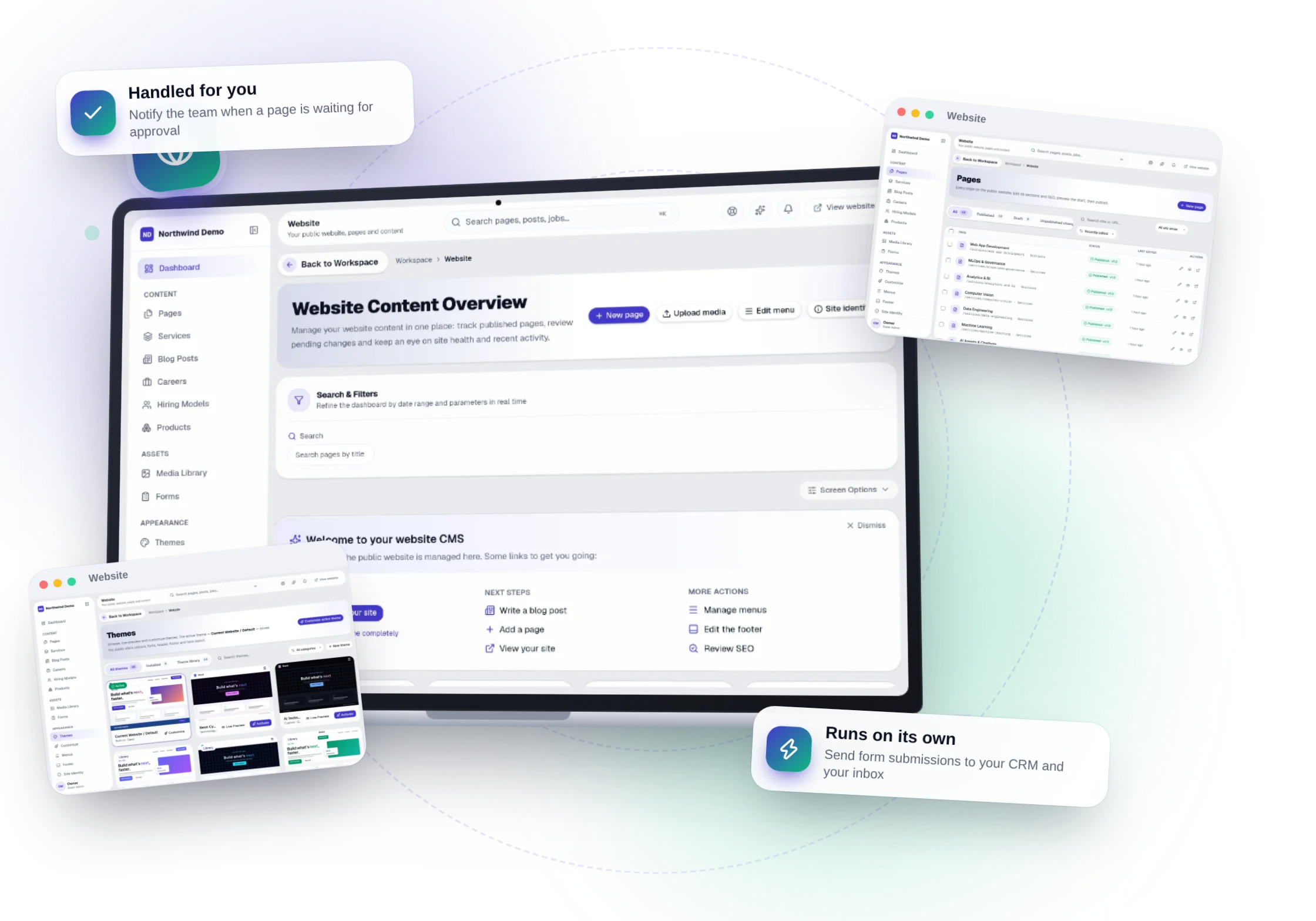
Send form submissions to your CRM and your inbox
Notify the team when a page is waiting for approval
Build your own in Workspace → Automations.
Connected panels
Nothing is re-typed. Everything is connected.
Website shares one database with every other panel, so work moves between teams on its own.
Screens
Website, exactly as your team sees it.
Real, full-resolution screens of the live product, captured in a demo workspace with sample data.

Run Website — and every other panel — free.
Every panel and every feature is included in every plan, starting free forever for one person.
FAQs
Questions, answered.
Still deciding? These are the things people ask before they start.
What can I ask the AI?
Anything about your business data in plain language — for example overdue invoices, leads by source, who is on leave or which projects are late. It answers with text, a table or a chart and shows how it calculated the answer.
Can the AI change my data?
No. Questions are answered with read-only queries, and the AI only uses data the person asking is allowed to see.
Do I need to write code to automate things?
No. Workflows are built from a trigger, optional conditions and actions on a settings screen, starting from ready-made templates.
Can I build an AI assistant on my own documents?
Yes. Create a bot with your instructions and knowledge files, choose who can use it, and track its usage and cost.
Can AI answer my website visitors?
Yes. The website chatbot answers from a knowledge base you control, and Conversation AI adds voice. Every conversation is logged for review.