1Your sessions and devices
Open Profile & Settings from the user block at the bottom of the sidebar and choose Sessions & Devices. Every signed-in device is listed with where it signed in from; log out one, all others, or everywhere.
2Sign-in history
Sign-ins, failed attempts and sign-outs are kept for 180 days, with an alert flag when a sign-in comes from a country the account has not used before.
3The audit log
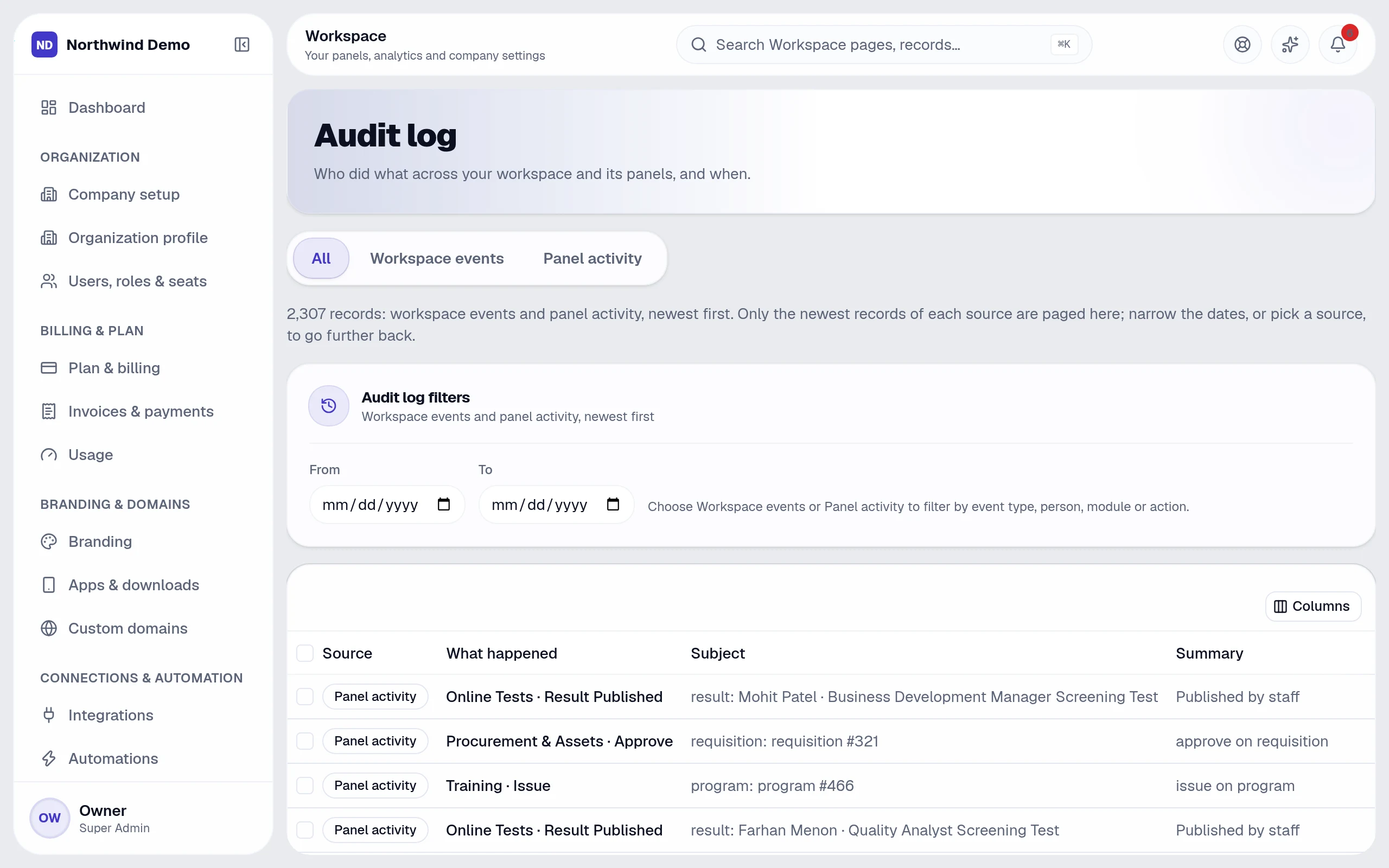
Workspace → Audit log is the one place for who did what, and when — across every panel. Filter by panel, action and date, and export to CSV.
Related guides