
Capture your first leads and run the pipeline
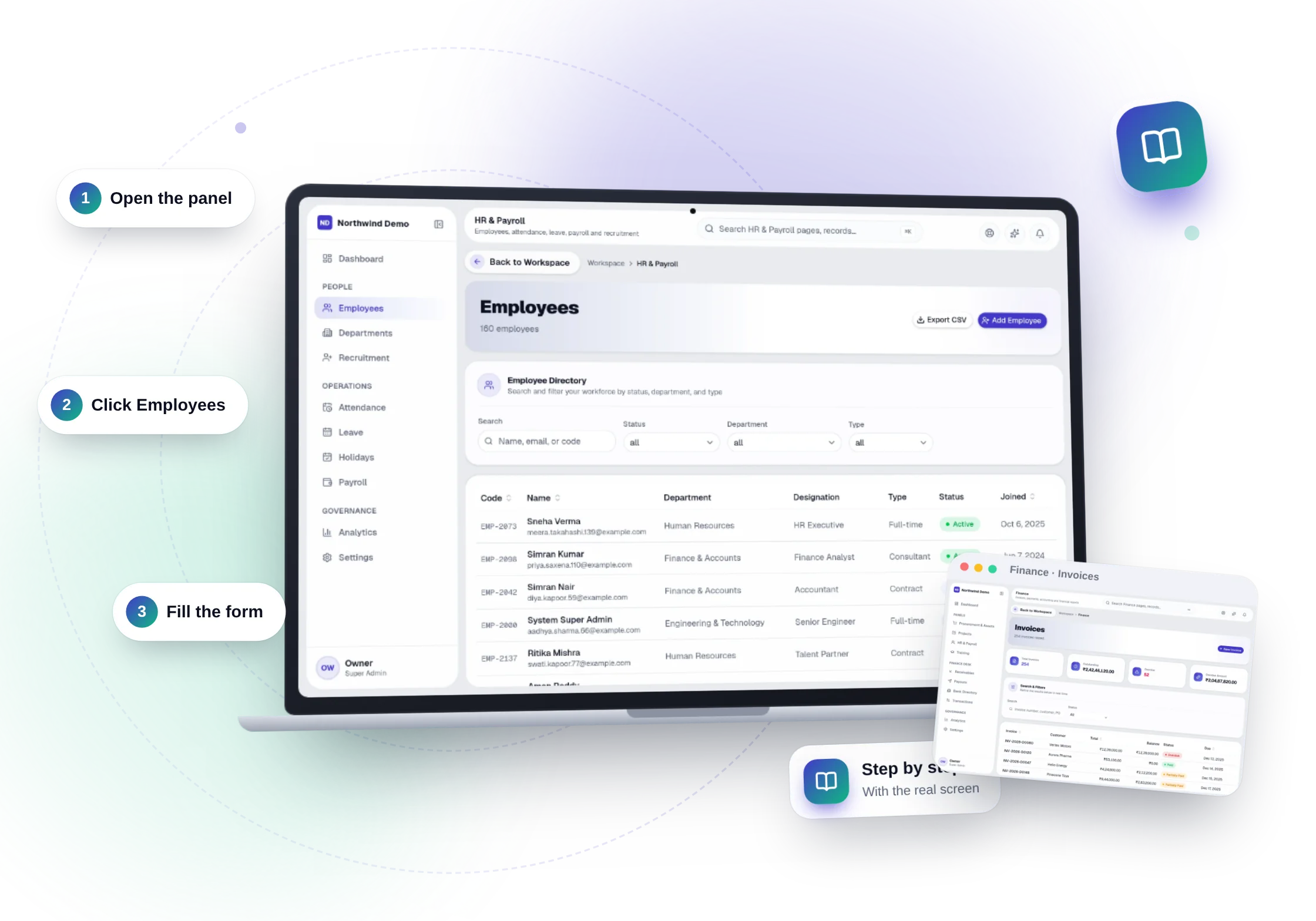
You will have
Enquiries arriving as leads, each with an owner and a follow-up date.
- 1
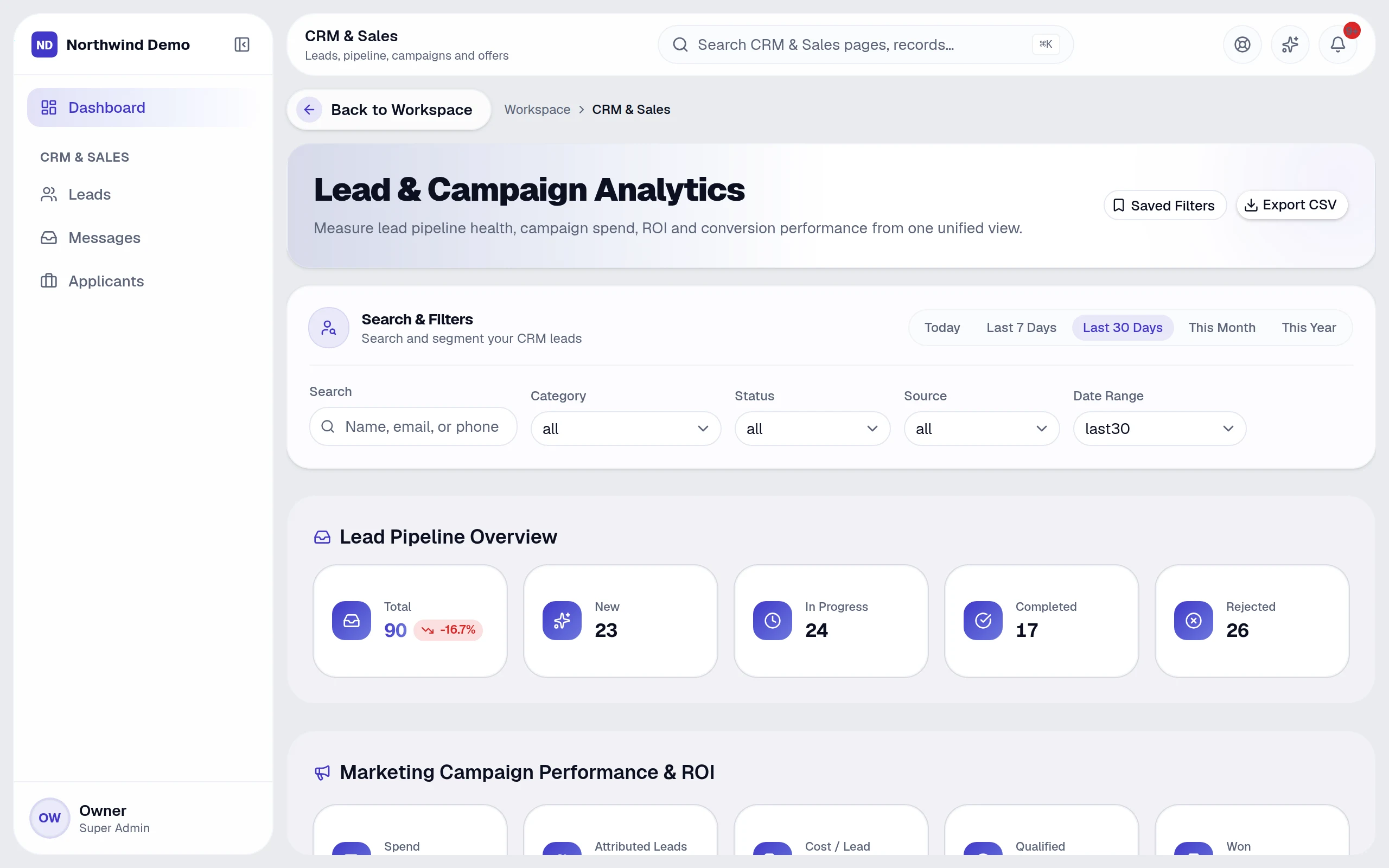
Open CRM & Sales
The dashboard shows your pipeline: New, In progress, Completed and Rejected.
- 2
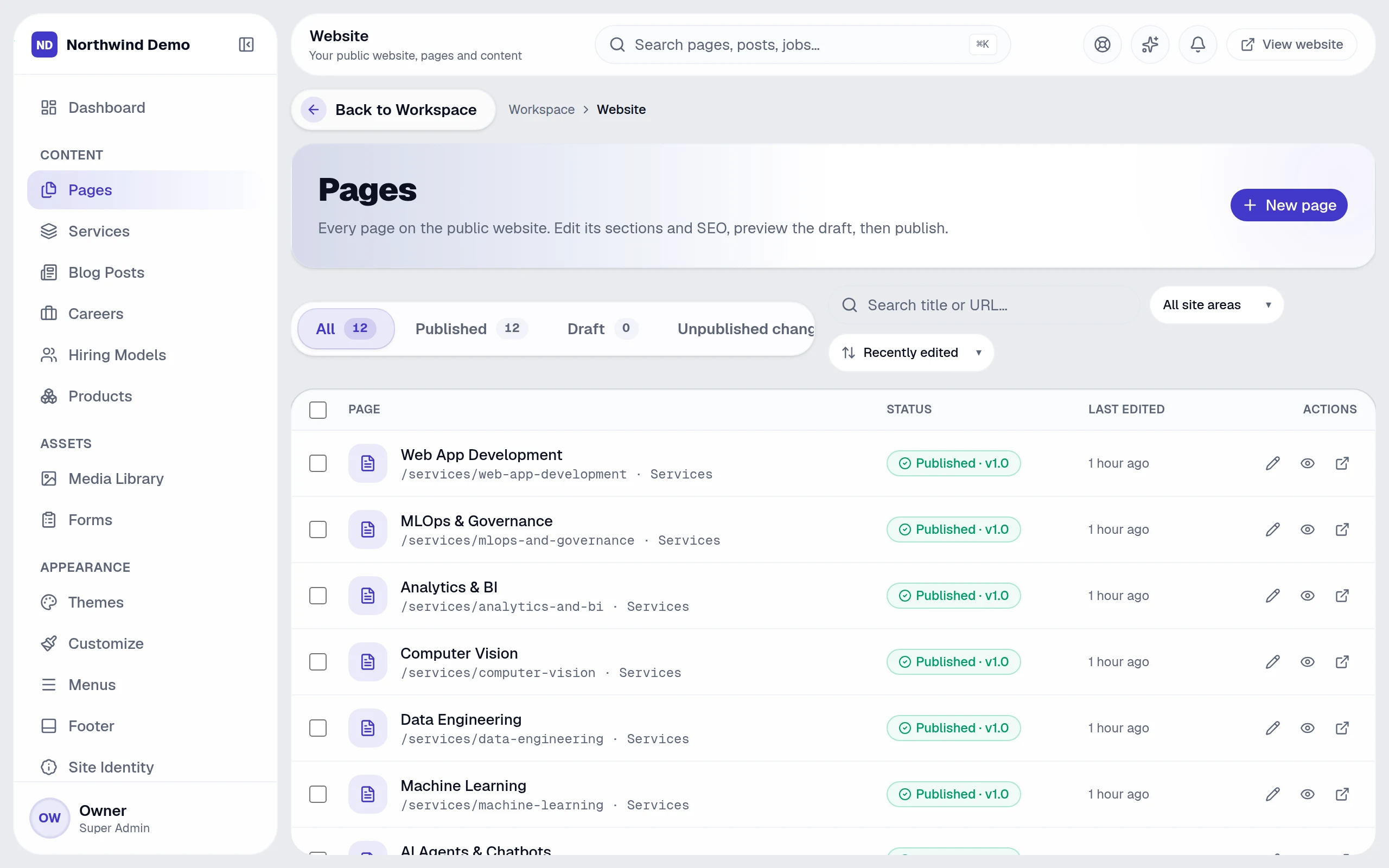
Make sure your form is live
Website forms send enquiries straight to the CRM. Check the contact form on your website and submit a test enquiry.
- 3
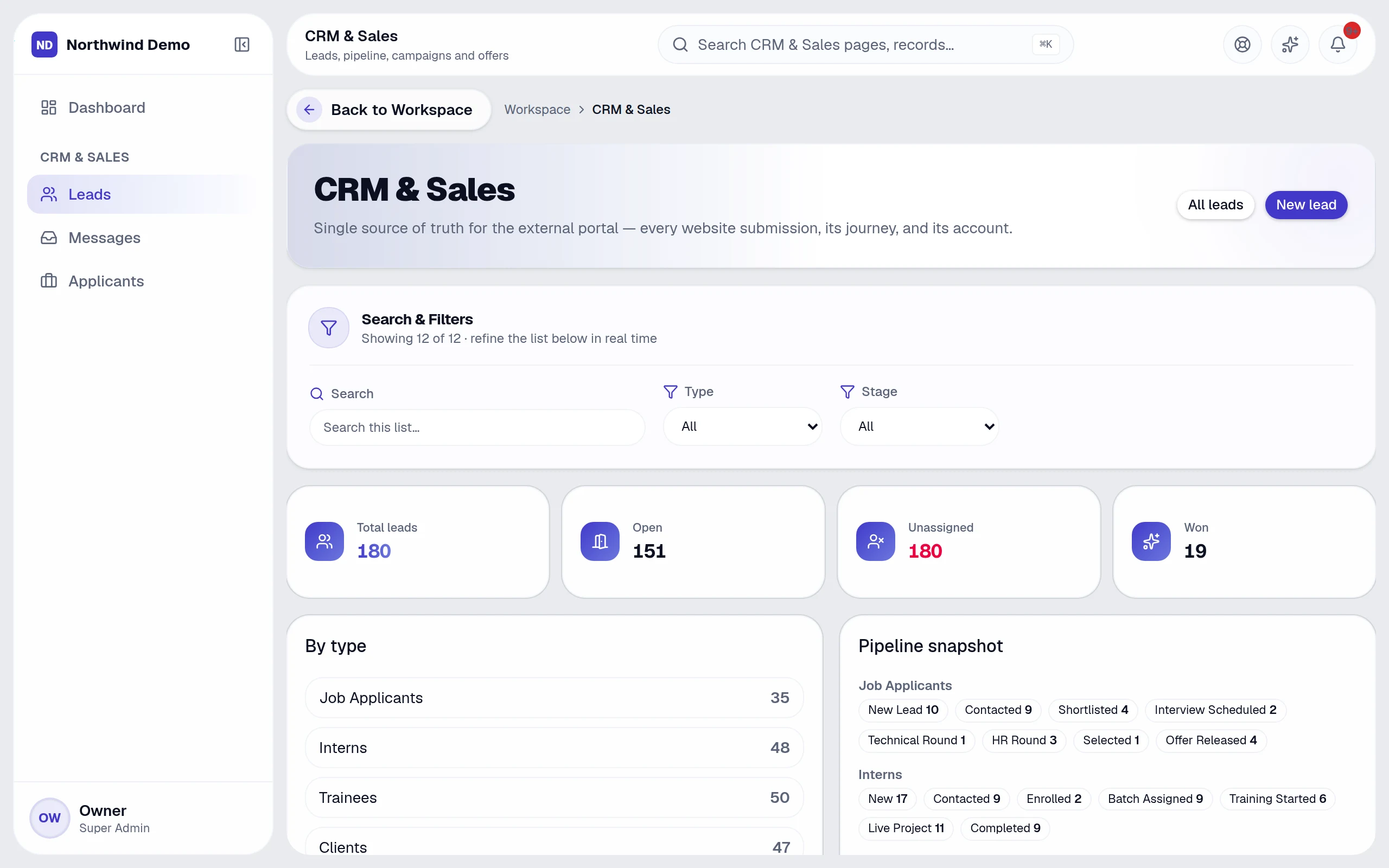
Open Leads
Your test enquiry appears as a new lead with its source. Open it, assign an owner and set a due date.
- 4
Follow up
Add notes, send a message, and move the lead to In progress. Leads untouched for days are flagged under Pending Tasks.
- 5
Win it
Mark the lead Completed when the deal is won — the client record can be created for you.

Your business, running itself — starting today.
Every panel, every feature, your own brand. Start free in minutes, or let us show you the platform with your own business scenarios.
FAQs
Questions, answered.
Still deciding? These are the things people ask before they start.
What is SelfRun AI?
SelfRun AI is a cloud platform that brings your sales, HR, finance, projects, procurement, training, documents, website and team communication into one system, with AI and workflow automation running through all of it.
Do I need to use every module?
No. Each plan includes a set of modules and you switch on only what you need during setup. You can turn modules on or off later from your workspace settings.
Is there a free plan?
Yes. The Free plan is free forever for one person and includes every panel and every feature — no card needed. Paid plans add more people and bigger storage, AI, email and voice allowances.
How long does setup take?
A guided setup takes a few minutes: company details, departments, team invitations and the modules you want. Importing existing leads, clients or employees from CSV is built in.
Can I use my own domain for my website?
Yes. Plans that include a custom domain let you connect your own domain with automatic SSL. Every workspace also gets its own address on our domain from the start.